nopetnoget

← Back to the project card

Talk2Page review: what we found in testing

Author: nopetnoget editors ·

Audit time 39 minutes

Score after testing

Based on 1 test.

Read the review

Summary

For users looking for information on websites and needing additional personalized search. Value not verified.

Verdict: 3/10. Not recommended for use. First thing to do: Offer, registration, and token transmission security.

Test scenario

Step 1

Is it clear in 10 seconds what the product does and who it’s for?

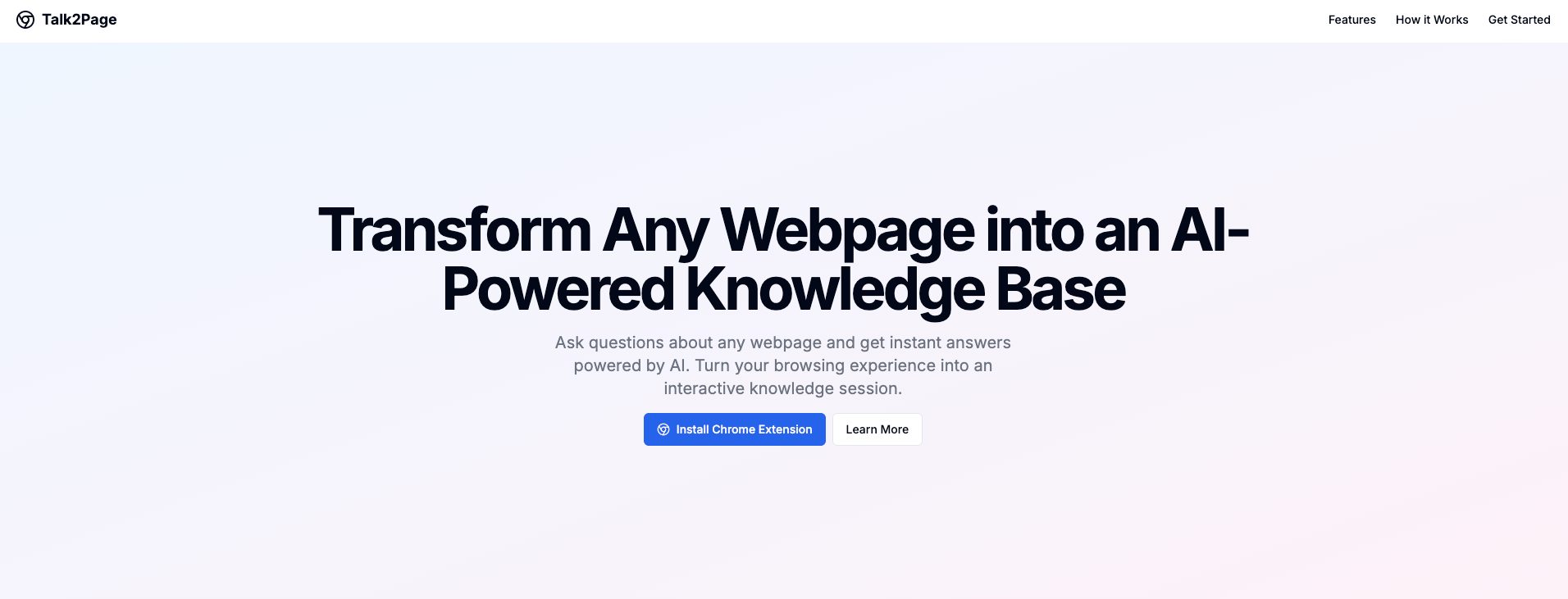
The first screen is fine, a direct clear hero headline: Turn any web page into an AI-powered knowledge base and a CTA button "Install Chrome Extension" – it all reads as, download the Google Chrome extension and conditionally create web site summaries based on which you will then be able to search for the information you need. However, if you read the subheading, a lot of questions immediately arise: Ask questions about any web page and get instant answers powered by artificial intelligence. Transform your browsing experience into an interactive knowledge session. First: can you do it without questions, just key information, or does the AI model go beyond the page and will this be an honest summary of one page or still an extraction of information from the entire website.
Is it clear in 10 seconds what the product does and who it’s for?

Step 2

How many sign-up steps are there, and is a card required immediately?

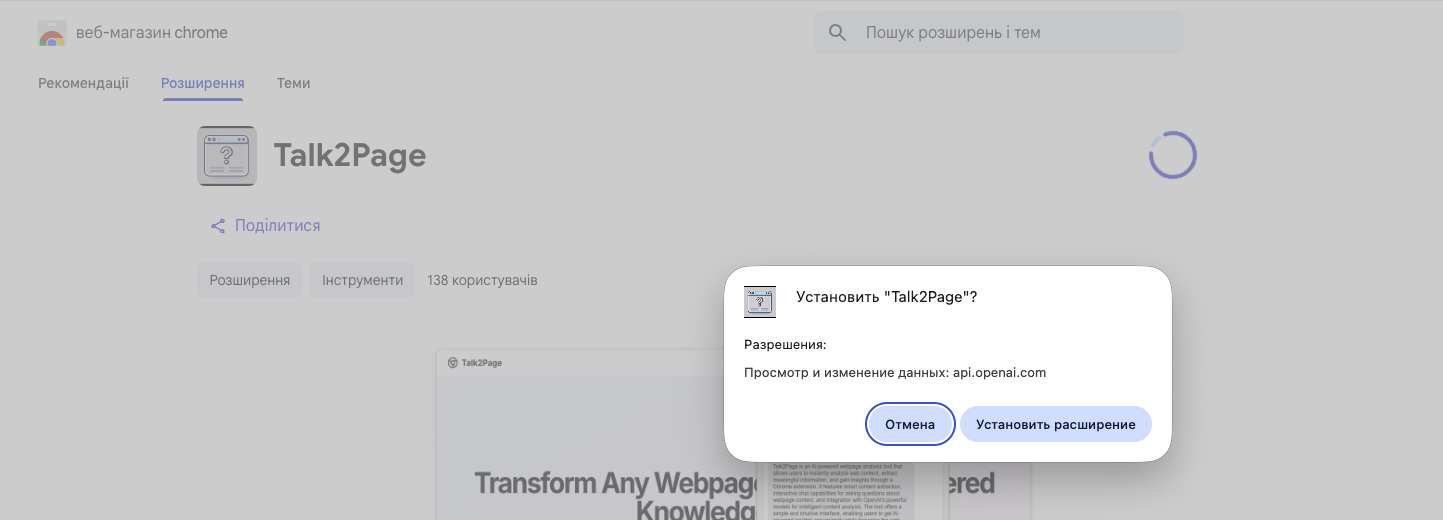
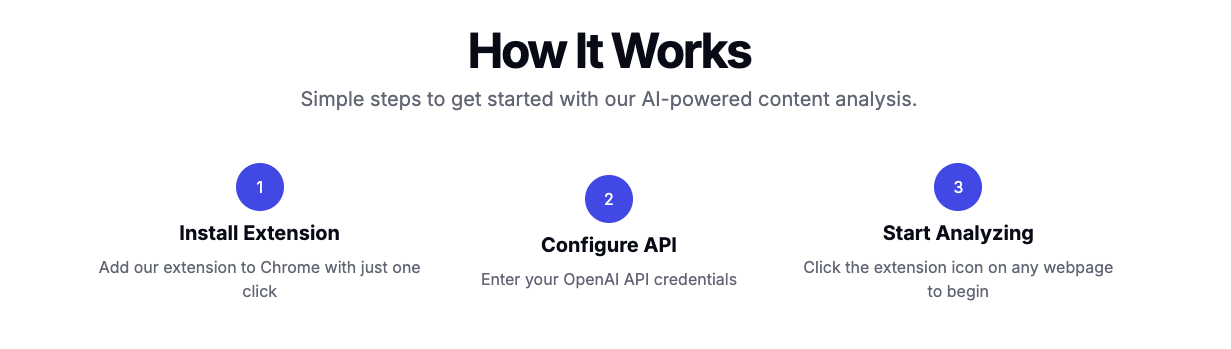
There is no registration as such, you are offered to download the Google Chrome extension right away. In general, it's very easy to do this, there is a correct link to it on the main page, so there are no questions about this. There is a lack of more information before downloading, because from the "How it works" section it is not entirely clear what API needs to be configured, where to get keys/tokens or credit.

How many sign-up steps are there, and is a card required immediately?

Step 3

Are newcomers guided, or dropped into an empty interface?

There is no onboarding as such, you are offered to download the extension for Google Chrome for free right away. Personally, we lacked additional information and in case of real testing, perhaps the installation of a new extension did not happen from a security or principled position – we don't install things we don't understand how they work.

Are newcomers guided, or dropped into an empty interface?

Step 4

How long from “Get started” to the first useful result?

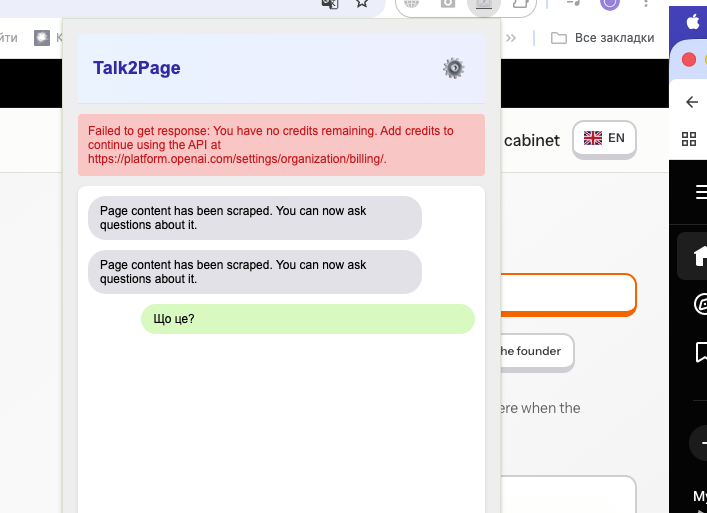
We failed to get first value, the reason is our Chat GPT token doesn't have free tokens. Right now we don't have a paid Chat GPT account so we can't continue testing. At the same time, the very logic of operation is built on questions about the page, which is somewhat strange, because any model, even a free one, can handle such a task. You don't need to prompt something very complex for this, a request to save key information from the page in md format gives you the necessary historical knowledge base about the website, but why? Whether the chat is saved for each chat separately, we failed to fully test, but when navigating to another website's page, we opened the extension and saw our previous request, which suggests that there is no logging tied to a specific website. Essentially, you are dealing with a Chat GPT chat window. Step failed: Our Chat GPT token has no paid tokens, the service does not support other models like Claude or Gemini.

How long from “Get started” to the first useful result?

Step 5

Does the product work on a different task beyond the demo case?

Failed to get "second value", scenario not completed. Step failed: No tokens.

Step 6

Where does the free plan end, and what breaks on unusual input?

The service immediately requires payment, there is no way to test how it works, despite the fact that all free popular models can do this without payment. But the service immediately asks you to connect the Chat GPT API token and you must have tokens. Payment for the service itself does not occur, the extension is free and does not require registration.

Step 7

On the payment screen, is it clear what you are paying for?

Could not find information about the cost of the extension itself. Step failed: Information about pricing is missing or not found.

Step 8

How do you unsubscribe, delete the account, and export your data?

There is no registration, so exit is essentially not needed. If you decide to stop using the service, you just need to delete the token and deactivate it, because essentially you passed the token to the service side, which can be risky. You essentially have no billing, no registration either. The service could simply accumulate credits for its own purposes.

Three focus questions

Focus 1

How clear is the product onboarding?

There is no onboarding, the page is very simple, it immediately redirects to the Google Chrome extension library. To the founder: Implement minimal and transparent onboarding where the user receives necessary information and understands the risks. We add several points for interface simplicity.

Focus 2

Is the pricing logical?

You need to have a paid Chat GPT API and pass your token to a service that essentially provides no guarantees about its "non-disclosure" and "non-use" by third parties. We personally consider this not only very risky, and we recommend issuing a separate API token for the Google Chrome extension that can be analyzed for usage and revoked. When uninstalling the extension, don't forget to revoke your API key. To the founder: Provide guarantees and reduce the risks of loss/reuse of the user's personal API token. Right now it looks like a scam.

Focus 3

Does the product fit the stated audience?

It remains unclear who this service is for, and the project team does not address its solution to any specific target audience. To the founder: On the main page of the website, explain why and in what cases you need to use your service instead of free popular AI models, with examples.

Takeaways

01 What worked Simplicity, which sometimes helps not to get lost.
02 What annoyed Risks of losing Chat GPT API token. Perceived as a scam and passing your own API key with paid tokens to third parties even without an offer agreement.
03 Who it’s not for We do not recommend using this service to people who are worried and not ready to pass their own Chat GPT API key to third parties.
04 Fix first Offer, registration, and token transmission security.

← Back to the project page

What the grades mean

A+
A product you can recommend without caveats: the path works end to end and first value arrives fast.
A
A strong product. Small rough edges remain, but they do not break the experience.
A-
A solid product you can actually use. The issues are local, not structural.
B
It works, but with noticeable friction. The value is there, yet the path to it is long or confusing.
C
A mixed result: there is a seed of value, but important parts of the flow break or stall.
D
A weak state. In its current form the product is hard to recommend.