nopetnoget

← Back to the project card

Somio AI review: what we found in testing

Author: nopetnoget editors ·

Summary

For digital content creators and musical performers. The project team emphasizes generating background tracks for video creators. Overall, this is confirmed during testing. The cost and quality of composition have a certain balance, and the absence of copyright issues is a decisive factor for the service user. The project team clearly sees its target audience and offers solutions to their problems.

Verdict: 5/10. Recommended for paid use. If you are willing to pay 6-9 cents per track and need to generate 100 or more tracks per month. First, what to do: Add settings to set the number of composition versions you want to receive.

Test scenario

Step 1

Is it clear in 10 seconds what the product does and who it’s for?

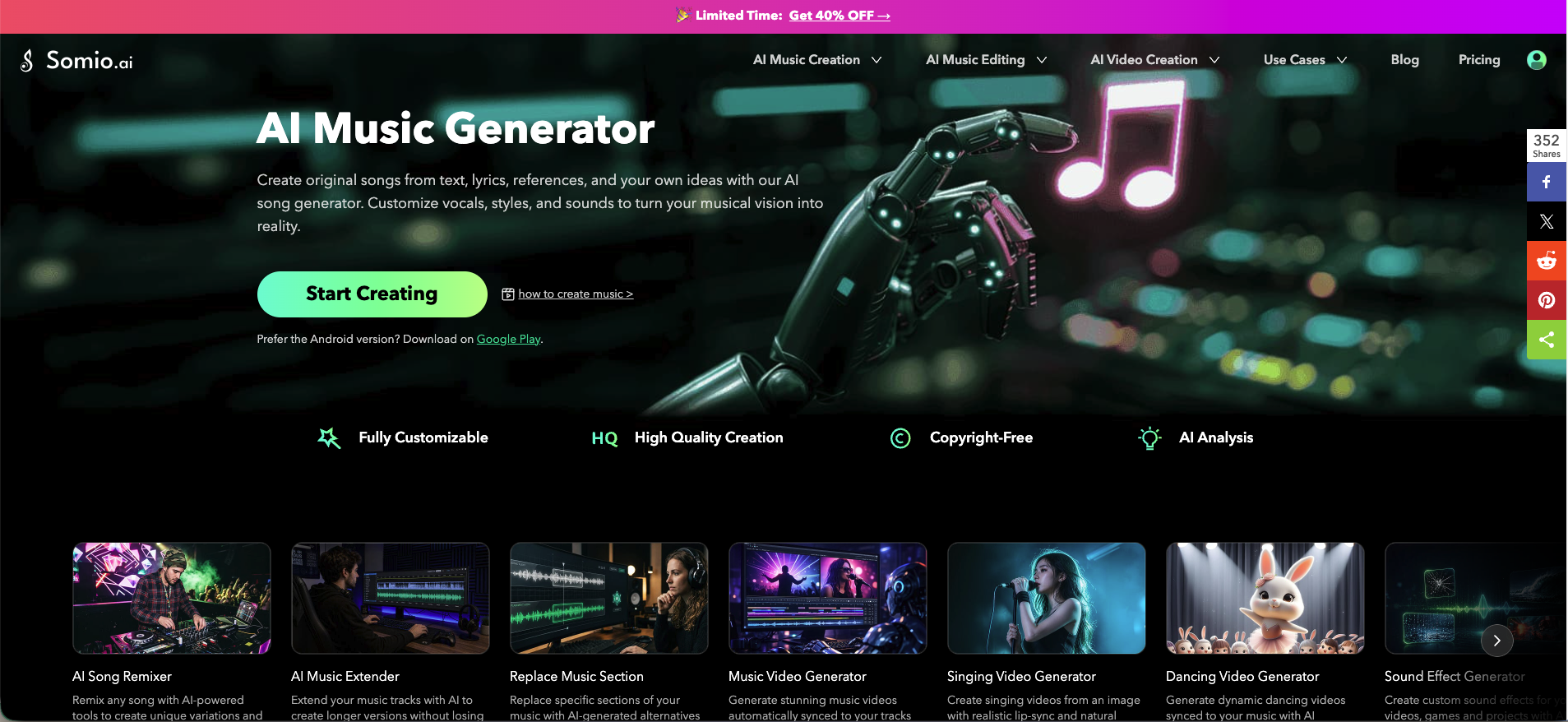
Yes, from the first page it is clear what the service is about: an AI music generator. The text on the first screen successfully highlights the direction of the product: lyricism and the possibility of flexible customization. "Create original songs from texts, lyrics, links and your own ideas using our AI song generator. Customize vocals, styles and sounds to bring your musical vision to life".
Is it clear in 10 seconds what the product does and who it’s for?

Step 2

How many sign-up steps are there, and is a card required immediately?

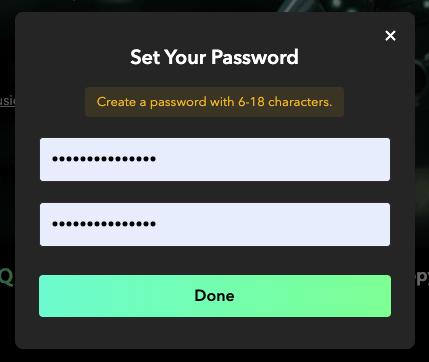
Registration is built on Google Auth, everything works great, the authorization popup emphasizes logging in via Google. However, during authorization, the Google provider is used as a quick way to get your email into the database, then the project team asks you to enter a password to enable login via email and password only. The reason for this may be a technical requirement, because when you authorize in the service using Google authorization, it goes to the 1010diy.com application, not the somio service.

How many sign-up steps are there, and is a card required immediately?

Step 3

Are newcomers guided, or dropped into an empty interface?

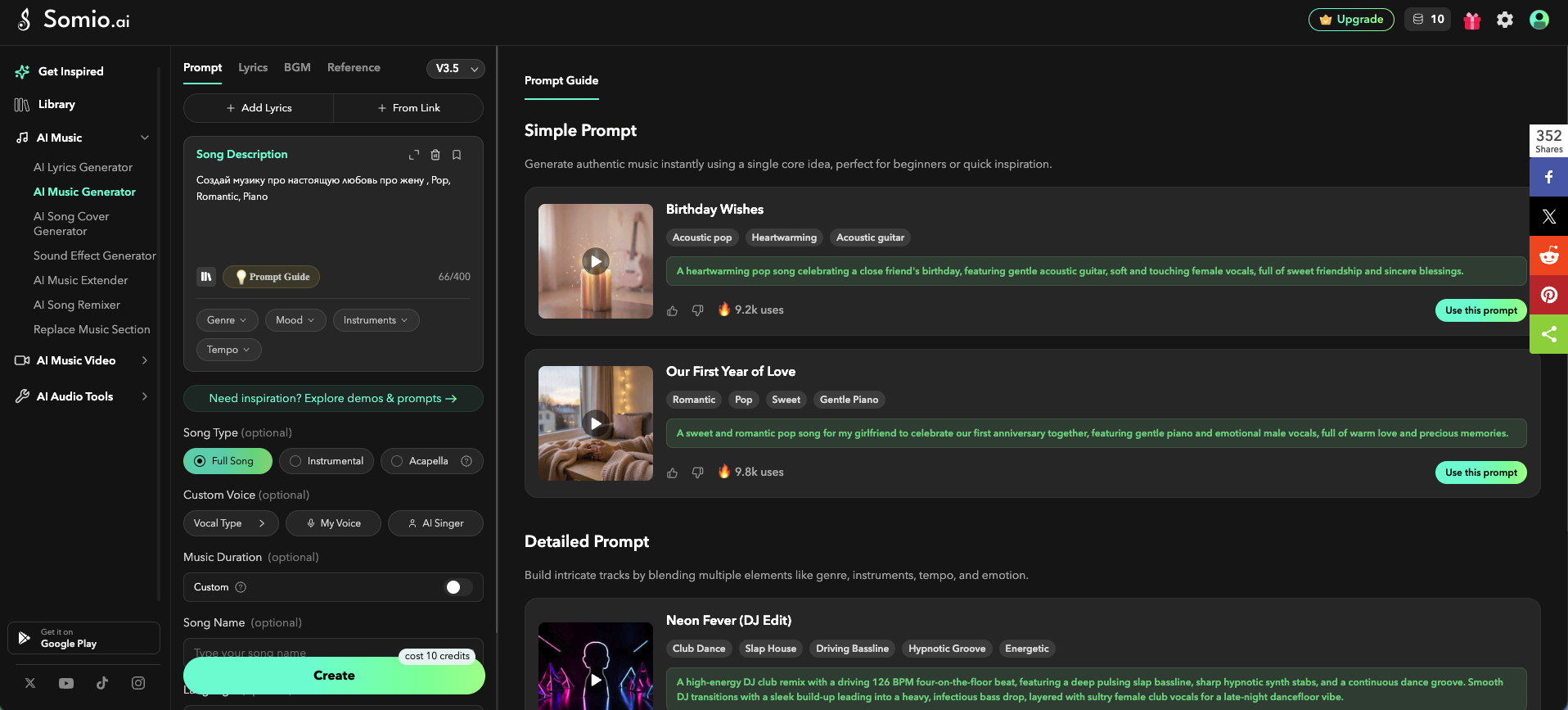
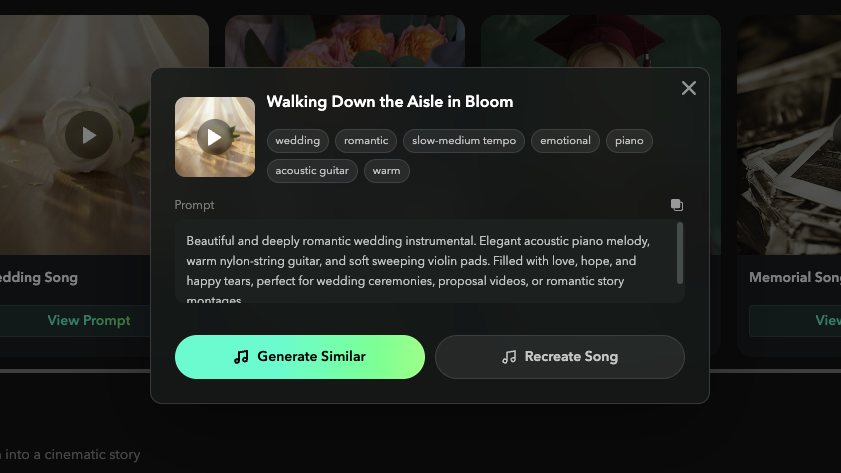
After registration, you are sent to your account, where there is a form to submit a prompt for generating a song/track. Everything is like all similar projects in this segment, there is no clear onboarding, but it's hard to get confused. Customizing the generation is not complicated, it's easy to figure out. In addition, you have a link to a guide on how to create a great prompt to get a high-quality track, and after clicking the large green Generate button, the service will clarify what exactly you wanted to do and suggest fine-tuning before generation again. The Generate button clearly indicates how many credits (tokens) this process will cost. According to the information on the tariff page, you can generate 2 songs for free. Separately, the project team pays special attention to prompting, because the quality of your composition and meeting your expectations depend on it. Therefore, in the library of ready-made tracks/melodies/songs, each one includes the prompt by which it was generated. Do not ignore this, review the examples so your song is worthy of TOP charts.

Are newcomers guided, or dropped into an empty interface?

Step 4

How long from “Get started” to the first useful result?

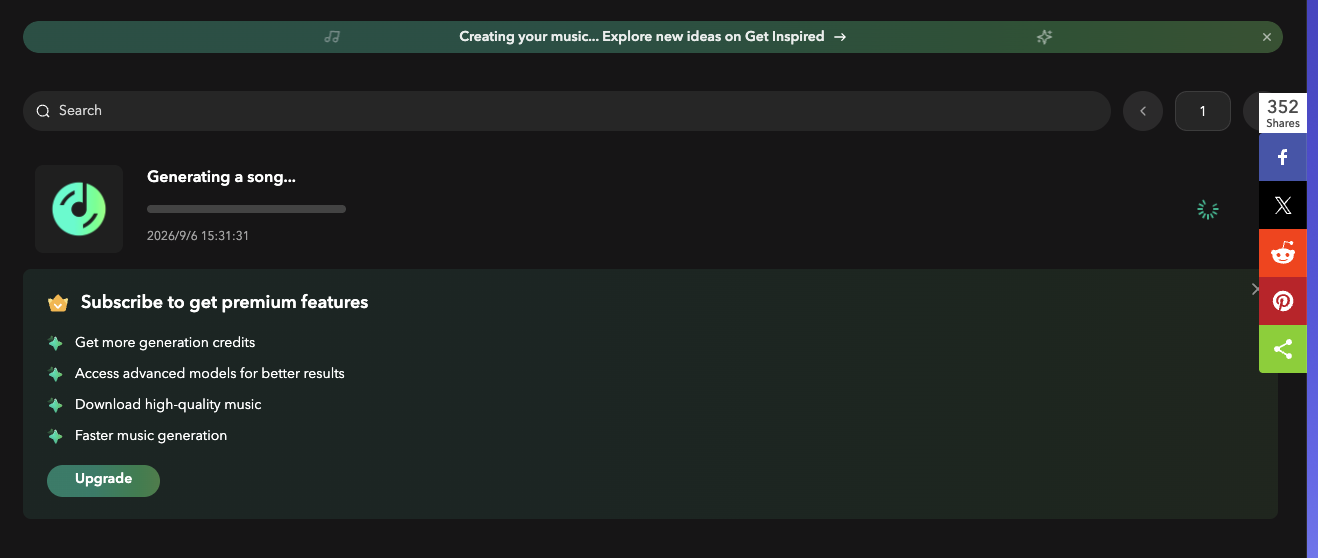
Generating the first track took about 5 minutes, the track was generated in two copies, which was a bit disappointing, because on the tariff page we were promised 2 tracks, but in fact we got one in two very similar versions, in one style and one voice. In the generation presettings, we did not see the ability to specify how many versions of the composition we want to receive on output. The tracks we received were slightly above average quality, but our prompt was not very complex. The track came out in the language we prompted. The composition lacked depth of content, but our pop music style is not very demanding of this. The music and vocals are generally at a high level, performed in one voice, and in the settings we did not see the ability to get a duet performance or a band. Time: 7:20

How long from “Get started” to the first useful result?

Step 5

Does the product work on a different task beyond the demo case?

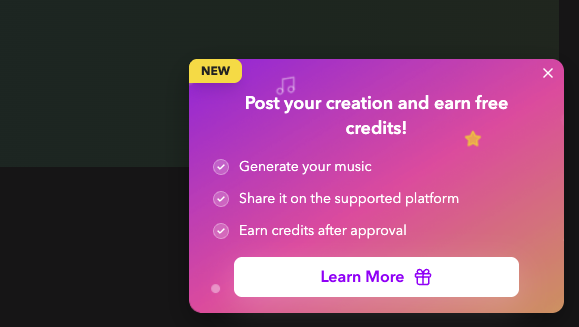
We were unable to repeat the song generation a second time or re-generate, because we ran out of tokens/credits. To get new credits, the service offers to get a subscription or share the track on social networks, after which (or after verification) you will receive some credits for generation. On the positive side, an album cover is generated for the track without the need to prompt it separately.

Does the product work on a different task beyond the demo case?

Step 6

Where does the free plan end, and what breaks on unusual input?

The service team declares 2 songs on a free plan or participation in a loyalty program, which provides the ability to get tokens after sharing a composition on social networks. So when generating, remember this (!). We got 1 track in two versions. In the generation settings, we did not find the ability to specify how many versions we want to receive on output, so the free plan is very limited in our opinion, compared to the alternative MemoTunes. The advantage of somio.ai is that you can download your track to a device without needing to buy a subscription.

Where does the free plan end, and what breaks on unusual input?

Step 7

On the payment screen, is it clear what you are paying for?

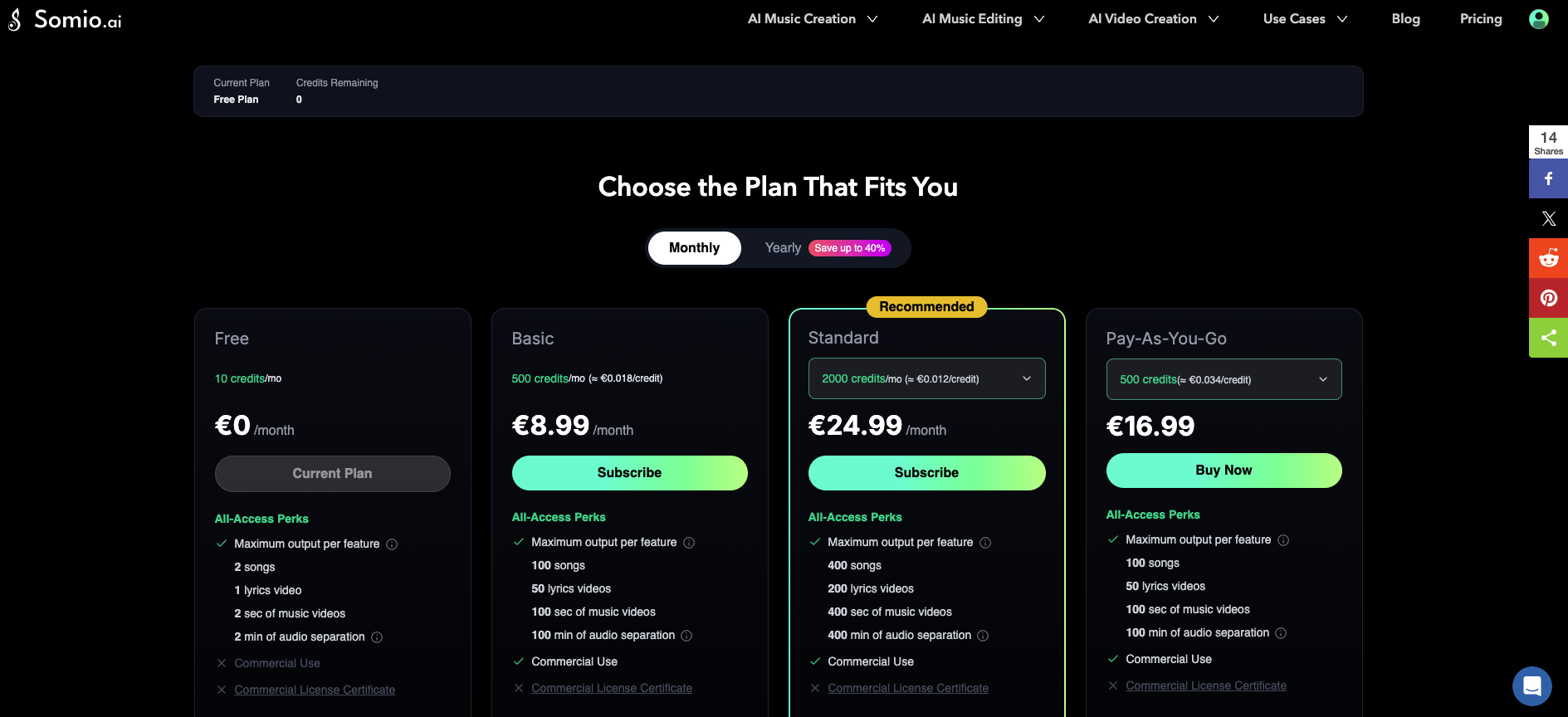
The project team offers subscription plans or Pay-As-You-Go token purchases (minimum $19.99). Subscription plans are annual or monthly. If you choose monthly payment, the cheapest plan starts at $8.99 USD (1000 credits = 100 songs, cost of each composition is slightly less than 9 cents), or $24.99 (400 songs, cost of each track is 6 cents). Payment via Stripe. On annual commitments you can save up to 40%.

On the payment screen, is it clear what you are paying for?

Step 8

How do you unsubscribe, delete the account, and export your data?

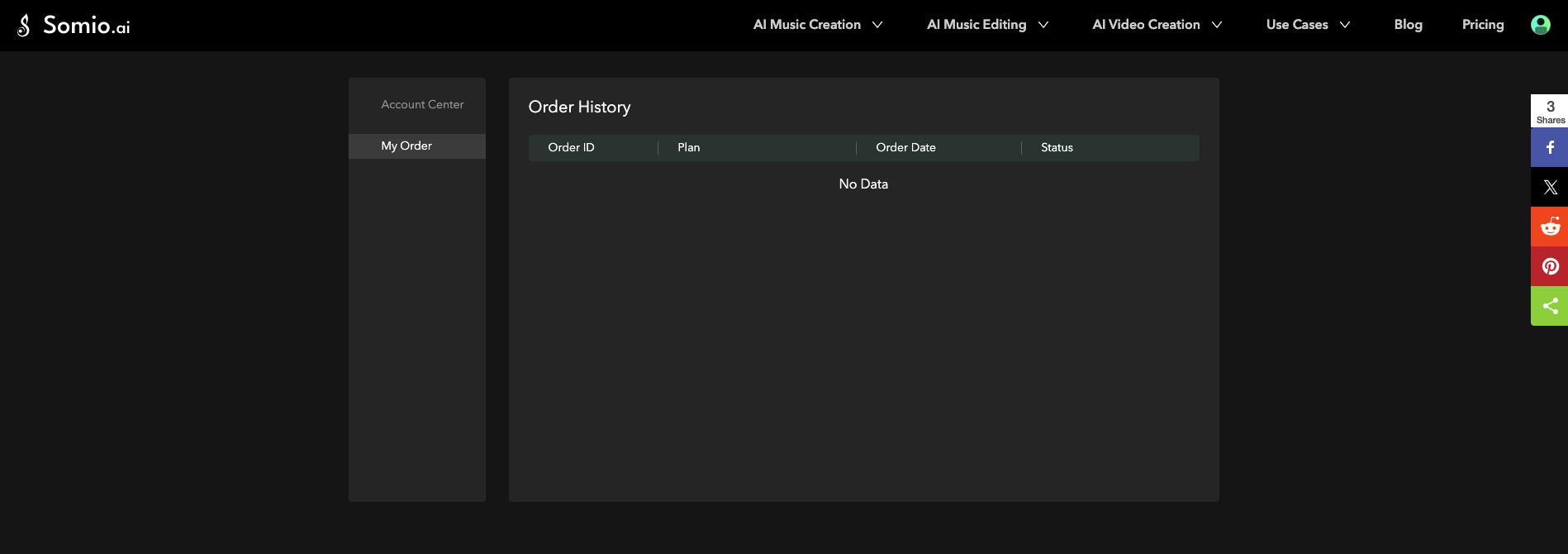
There is no option to delete an account from the dashboard. You can only manage your subscription plans. For those who are particularly concerned, you can contact the project team via email or through online chat support.

How do you unsubscribe, delete the account, and export your data?

Three focus questions

Focus 1

How clear is the product onboarding?

There is no onboarding as such, but everything is intuitive. From registration to listening to your generated song takes 7 minutes. To the founder: Add the ability to specify the number of composition versions you want to receive on output.

Focus 2

Is the pricing logical?

Overall, there were no questions about pricing, two transparent tariffs that give the cost of a composition around 6-9 cents each. There is an option to generate a free track or buy tokens using a Pay-As-You-Go model. To the founder: No remarks on the pricing block except that the project team declares 100 songs, but by default generates 2 versions of a track, counting this as two compositions. Provide the ability to specify the number of desired copies/versions on output.

Focus 3

Does the product fit the stated target audience?

The project team clearly understands its target audience, focusing on digital content creators looking for a service to generate music compositions for their videos or podcasts. The service will also be convenient for beginner singers and creators to get fresh ideas for their future tracks. The quality of songs and tracks is at a proper level, which can allow you to take TOP charts on well-known streaming platforms even without additional post-processing. To the founder: No recommendations on target audience.

Takeaways

01 What worked Ability to customize, ability to create your own track on a free plan and download the song to a device. There is an option to get additional free credits by sharing your composition on social networks.
02 What annoyed Free tokens run out very quickly, you will have to make a decision about the quality and necessity of using the service on one composition or on a library of ready-made examples. However, there is an option to view the prompts by which compositions were generated and read instructions on how to write a prompt.
03 Who it’s not for Fans of free services. You will have to pay for music and song generation using somio.ai.
04 Fix first Add settings to set the number of composition versions you want to receive.

← Back to the project page