nopetnoget

← Back to the project card

Loopple AI Website Builder review: what we found in testing

Author: nopetnoget editors ·

Test scenario

Step 1

Is it clear in 10 seconds what the product does and who it’s for?

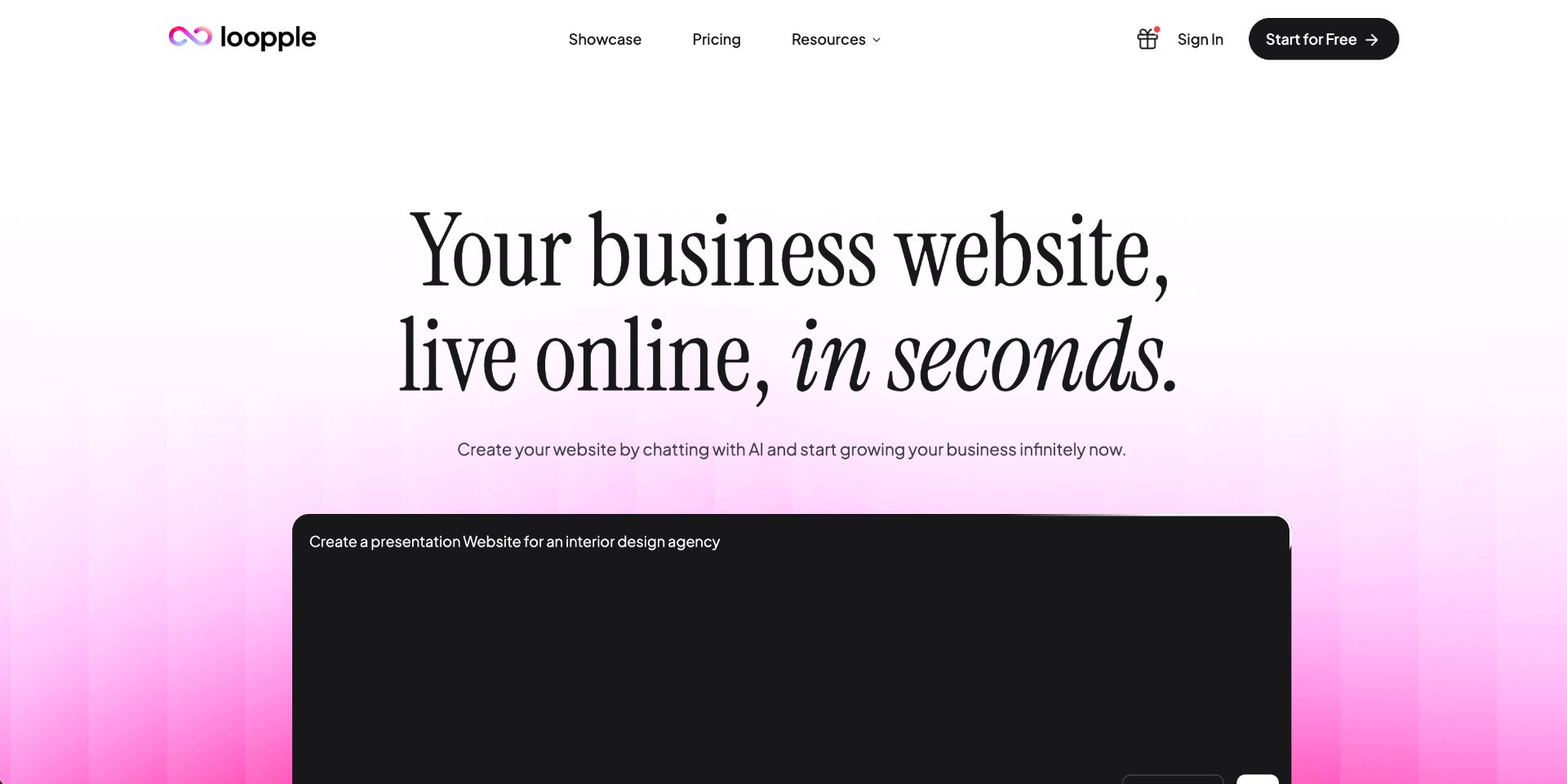
On the first screen everything is simple and clear: a clear hero heading emphasizing that you can create your own website in minutes, an open form for entering a prompt where you can choose the language for your task and the language in which you want to receive the result. Also below the prompt input field there are links to ready-made prompts for popular typical solutions: for a real estate agency, design agency and copywriter portfolio website. The loopple AI project team is targeting exactly this SMB segment. A note: to see the links to ready-made prompts, you'll have to scroll down a bit.

Is it clear in 10 seconds what the product does and who it’s for?

Step 2

How many sign-up steps are there, and is a card required immediately?

Registration is a standard form with two options: Google Auth (first – accent) and regular registration via email and password. During registration using Google Auth – we received a 500 error: a standard blade template of a popular Laravel CMS. When registering the standard way, there were no errors – we were immediately directed to the main page of the authorized user. We understood this because in the top navigation the authorization and registration links changed to links to the dashboard and logout. Everything is standard for the engine used. We also did not receive any confirmation link for our accounts at the registration email, access to the account was activated immediately.

How many sign-up steps are there, and is a card required immediately?

Step 3

Are newcomers guided, or dropped into an empty interface?

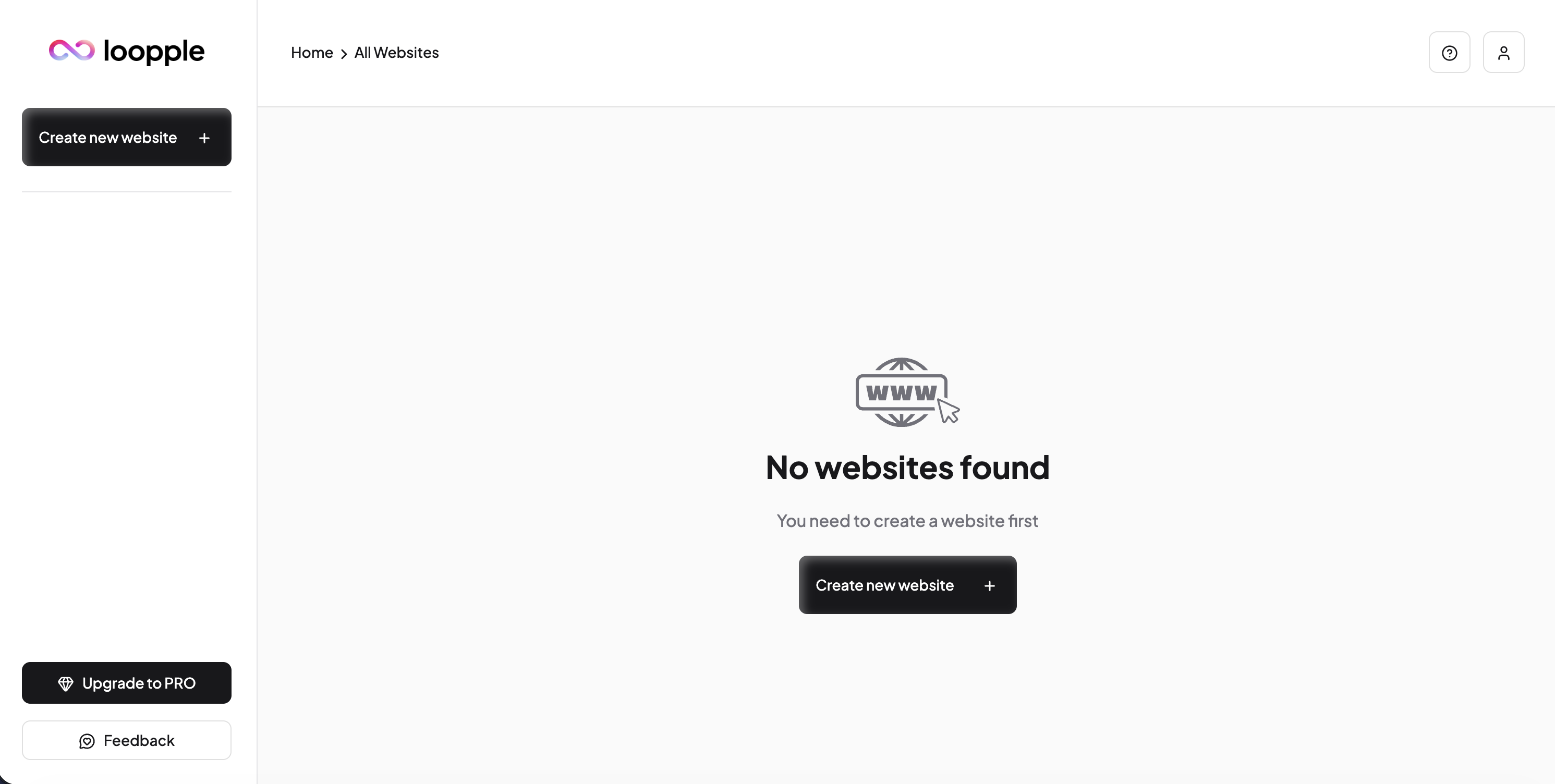
There is no such onboarding as such, you are immediately left on your own: a prompt form and a link to the dashboard, which has no tutorial, just a button to create a new website. This simplicity adds confidence in the next steps for the user, because there's simply nowhere else to go – just click. When you click the Create New Website button you will simply be redirected to the main project page – where there is a prompt form.

Are newcomers guided, or dropped into an empty interface?

Step 4

How long from “Get started” to the first useful result?

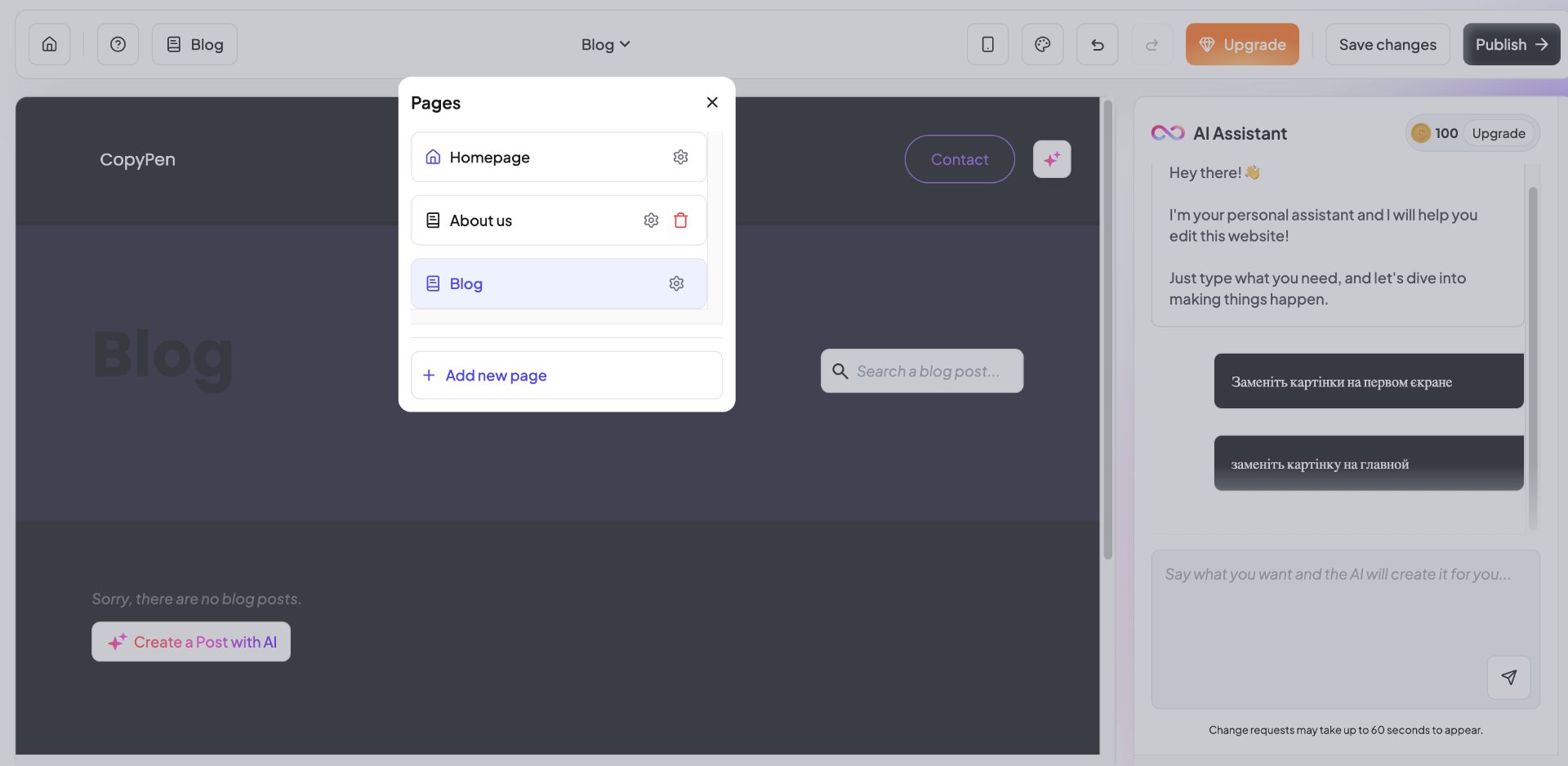
To get your "first value" you will need no more than 1 minute. This is really fast for this segment of projects. The website you receive is maximally templated, but sufficiently neatly coded and with taste. Unfortunately you won't get the ability to preview how your website will look on different screens, although in customization mode you will have the ability to set typical screen size options: desktop, laptop, smartphone. The customization mode looks simple but very neatly coded, as is the template itself. Even a form is available for editing via AI chat, but when we tried to fix/replace the image on the main screen with another, we received an error "An error occurred while processing your request: Failed to fetch", which is unpleasantly surprising. Available on the free plan – the ability to change the background color and the color of action buttons, plus – switch between pages of your future website. Time: 0:49

How long from “Get started” to the first useful result?

Step 5

Does the product work on a different task beyond the demo case?

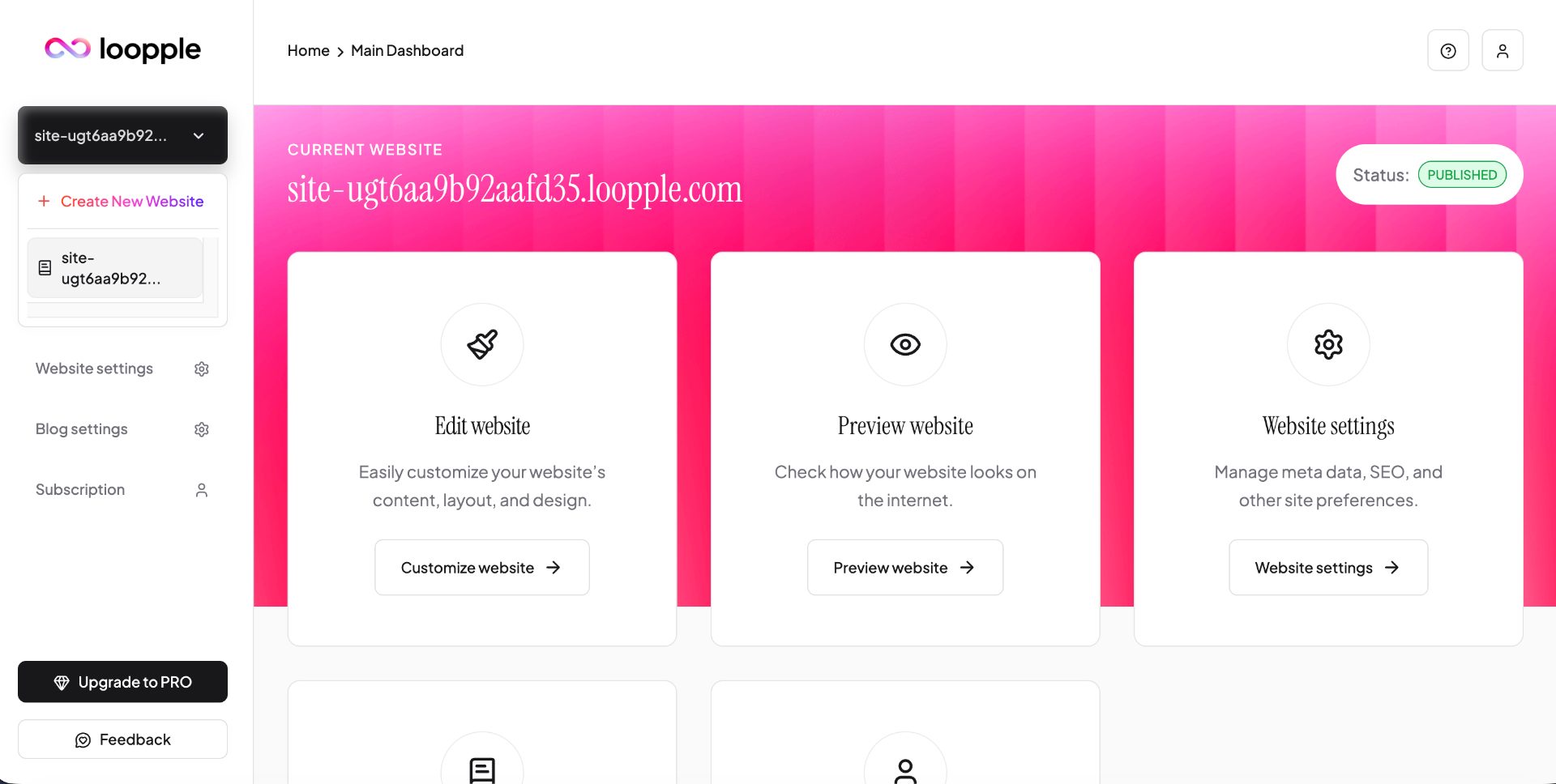
Getting "second value" won't be possible – the free plan is limited to just 1 website in your account. When deleting the first solution, the service also won't let you regenerate the website, precisely because it remembers that you already did this 2 minutes ago. So be careful, you only have 1 attempt to check the quality of website generation, don't rush to delete the generated version.

Does the product work on a different task beyond the demo case?

Step 6

Where does the free plan end, and what breaks on unusual input?

The free plan, which is available for 14 days, will allow you to generate only 1 website regardless of whether you save it or delete it from your account. The limits of the free plan are quite significant.

Where does the free plan end, and what breaks on unusual input?

Step 7

On the payment screen, is it clear what you are paying for?

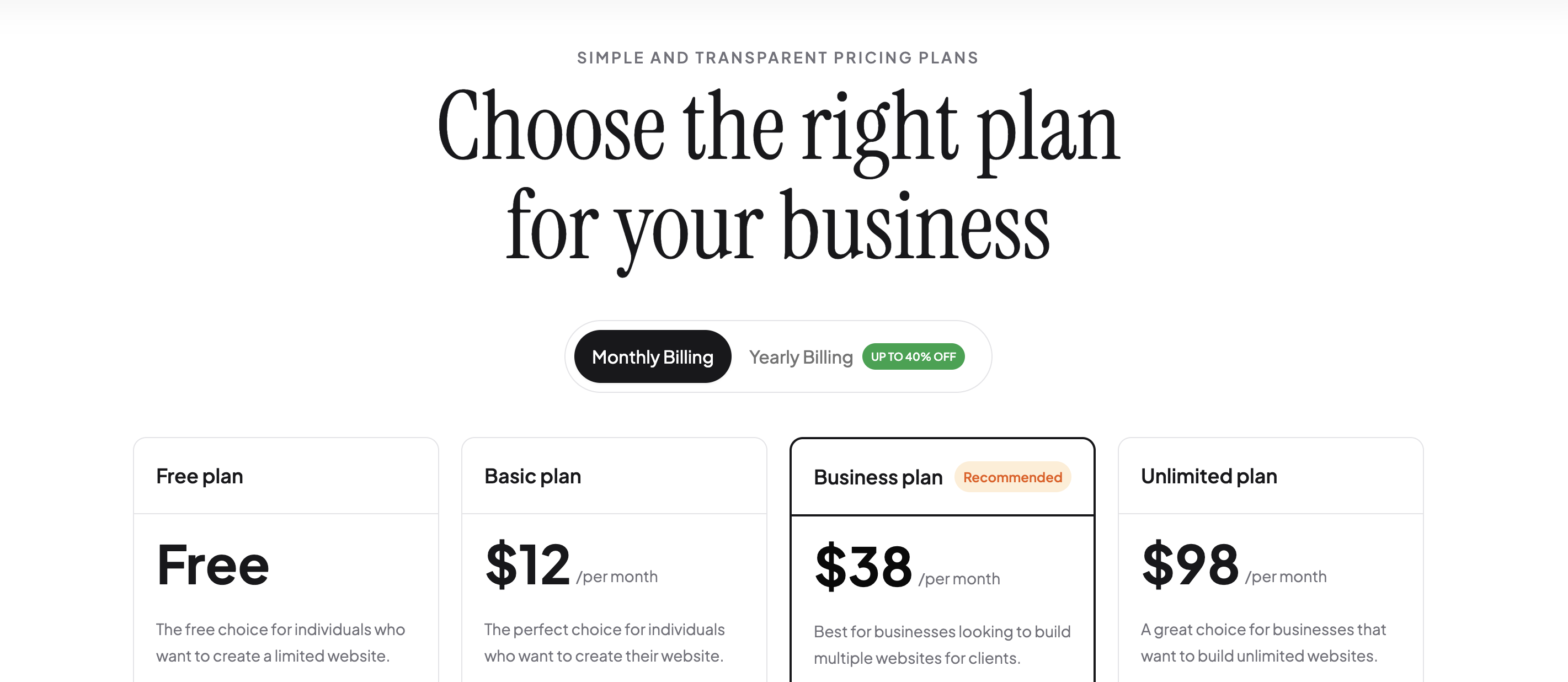
Prices are also very simple, three plans, not counting the free one. $8, 24 and 59 which give you the ability to generate 1, 5 or unlimited number of websites. All paid plans have the ability to bind custom domains, the cheapest plan has a limitation on the number of website pages – 10 pages. Each plan has an option to generate AI-written articles for your future blog from 4 to 12 and 30 articles respectively. Monthly payment plans are significantly more expensive: $12, 38 and 98, but don't raise major criticism, everything is logical. Payment is via Paddle. Overall there are no complaints about the plans, they are competitive and have a reason to exist. Choosing the plan that suits you best also won't be a big problem, everything is simple and spelled out in black and white on the pricing page.

On the payment screen, is it clear what you are paying for?

Step 8

How do you unsubscribe, delete the account, and export your data?

In the user account we didn't see an option to delete your account, although for a popular Laravel site this is a standard option, apparently by the founders' design it was forcibly closed/deactivated. You can delete a project, but remember for the free plan this will be a fatal mistake.

Three focus questions

Focus 1

How clear is the product onboarding?

Very simple, you are left on your own. Due to the simple interface, it's hard to choose the wrong path and very hard not to use the prompt form on the main project screen. Website generation requests go exclusively through it.

Focus 2

Is the pricing logical?

Everything is logical, the plans have their appeal and are simple enough to understand. If we were choosing a plan today, we would start with the $12 plan with monthly payment, but on the condition that the finished website can be edited without errors through an AI chat like popular models or IDE.

Focus 3

Does the product fit the stated audience?

The service's target audience and "first value" in our opinion have a good balance and should justify user expectations. Lacking is feedback from existing clients (examples of completed working websites or a parade of logos) and a block of reviews from them at decision-making touchpoints, not just at the bottom of the home page. There is a sense that the service lacks commercial experience. Also unclear are the capabilities of finished websites for indexing and different usage scenarios: lead forms and booking systems.

Takeaways

01 What worked Simplicity, neatness of both the service interface itself and the generated websites. Simple pricing and the ability to compare them quickly.
02 What annoyed Errors, very limited capabilities for free generation and lack of warning when deleting the "last" project, to continue exploring the service you need to subscribe. Google Auth registration does not work.
03 Who it’s not for For those who need more customization capabilities or sophisticated design. The websites you get during generation are actually very templated, but simple and neatly coded.
04 Fix first Google Auth errors, errors when working in the AI chat and prevent deletion of the last project from the account.

← Back to the project page