nopetnoget

← Back to the project card

Leetcode Wizard review: what we found in testing

Author: nopetnoget editors ·

Audit time 1 hour 30 minutes · Time to first value 8:32

Score after testing

Based on 1 test.

Read the review

Summary

This is a native application for Windows and MacOS that gives you "superpowers" when passing technical interviews, code assistance, and ready-made solutions for implementing various functionality. It allows you to solve technical programming tasks. ChatGPT under the hood.

Verdict: 7/10. Ready for commercial use. You can use this solution during technical interviews and tests, but you will still need to manage the data source during the meeting, you won't be able to rely entirely on Leetcode. If you don't understand anything about programming and are trying to pass an interview, this solution is not for you. You should view this as an assistant, not your replacement. First thing to do: Set up payment link sending!

Test scenario

Step 1

Is it clear in 10 seconds what the product does and who it’s for?

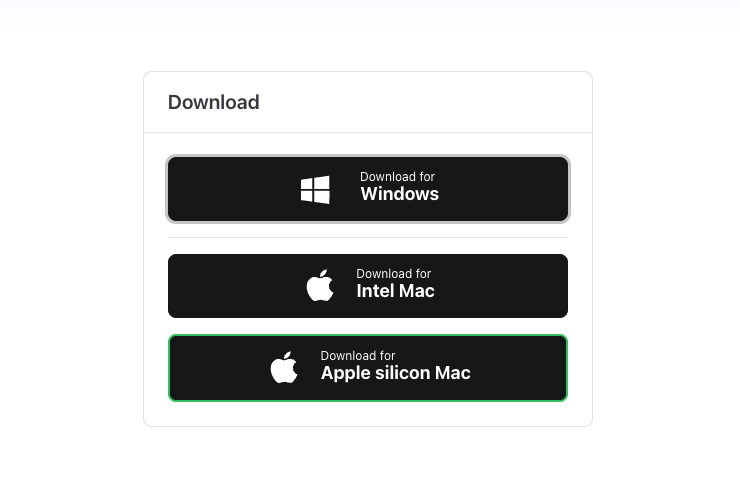
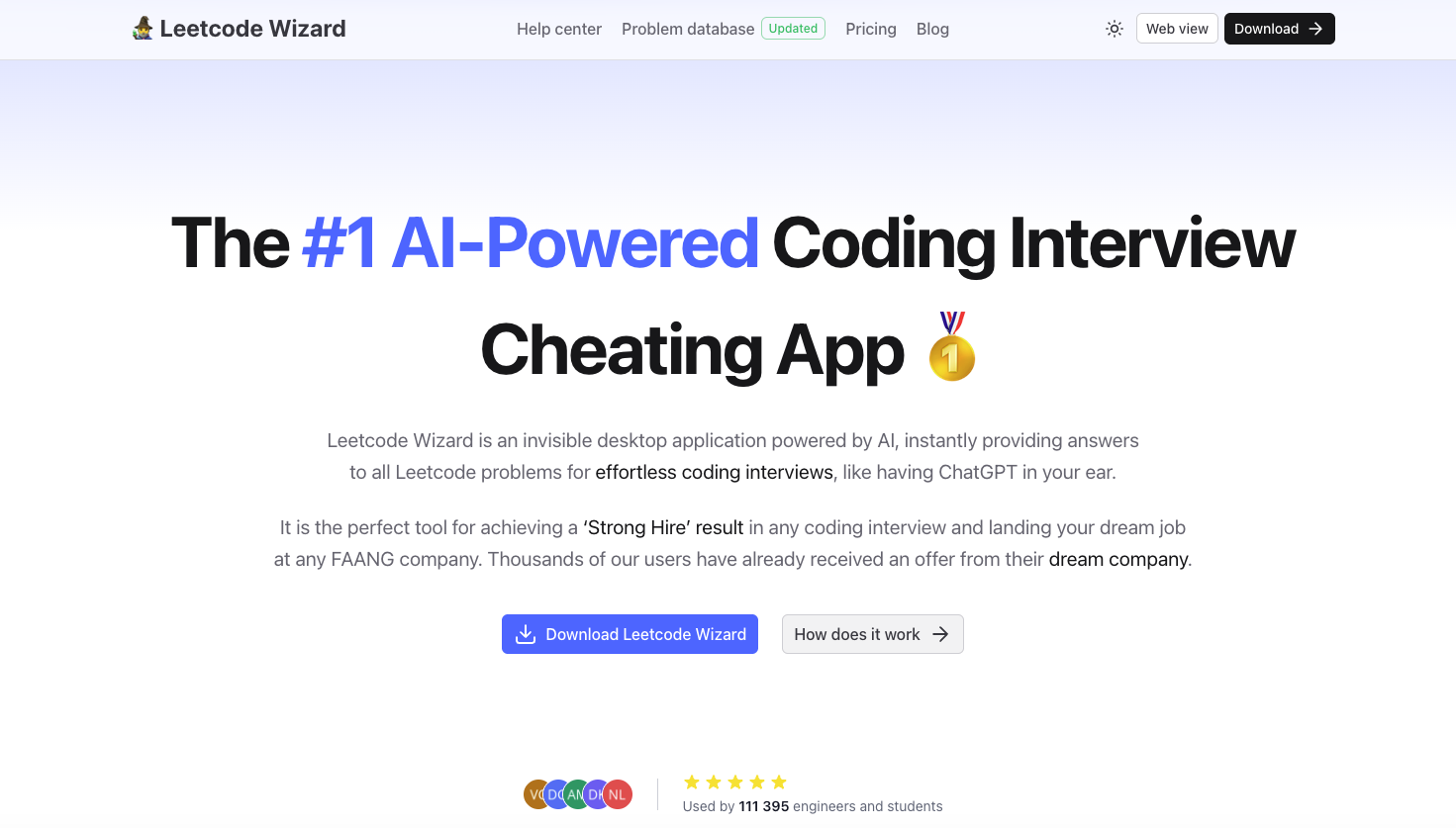
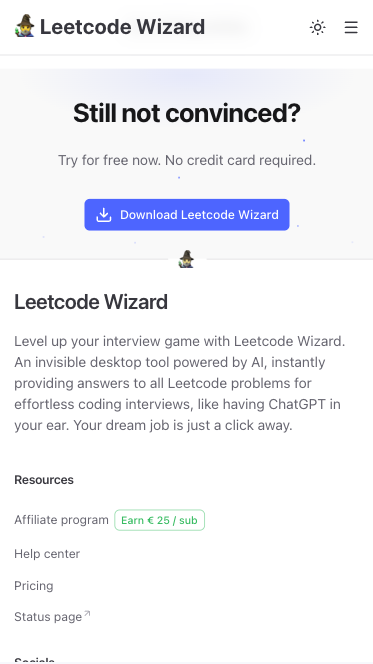
The first screen immediately makes it clear what product we're looking at. "Leetcode Wizard is an invisible desktop AI-powered app that instantly provides answers to all Leetcode problems for easy coding interviews, as if you're hearing ChatGPT in your ear". It's worth noting a social proof block indicating 111,396 users who have used the solution with emphasis on the fact that these are engineers and students. Next to the download CTA button is a less emphasized button – How it works. In our opinion, this could reduce conversion to downloading the solution, especially on mobile devices, where the target action button is only at the very bottom of the How it works page. It should be noted separately that the main page already has a How does it work block slightly below the first scroll. From our perspective the target action button, also the solution is quite simplified, after clicking the Download button, the user will be moved to a page where they will be offered download options, it would be better to try to "read" the user's operating system and give them the ability to download the solution immediately with a click from the first page, rather than from a technical selection page.
Is it clear in 10 seconds what the product does and who it’s for?

Step 2

How many sign-up steps are there, and is a card required immediately?

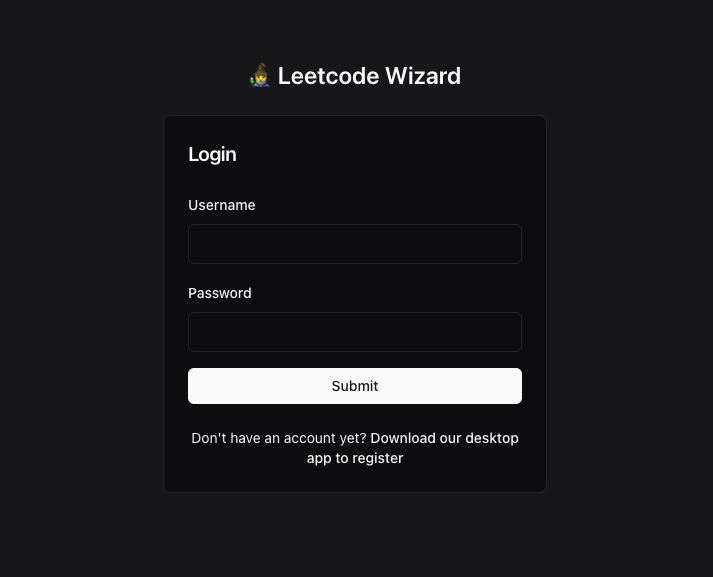
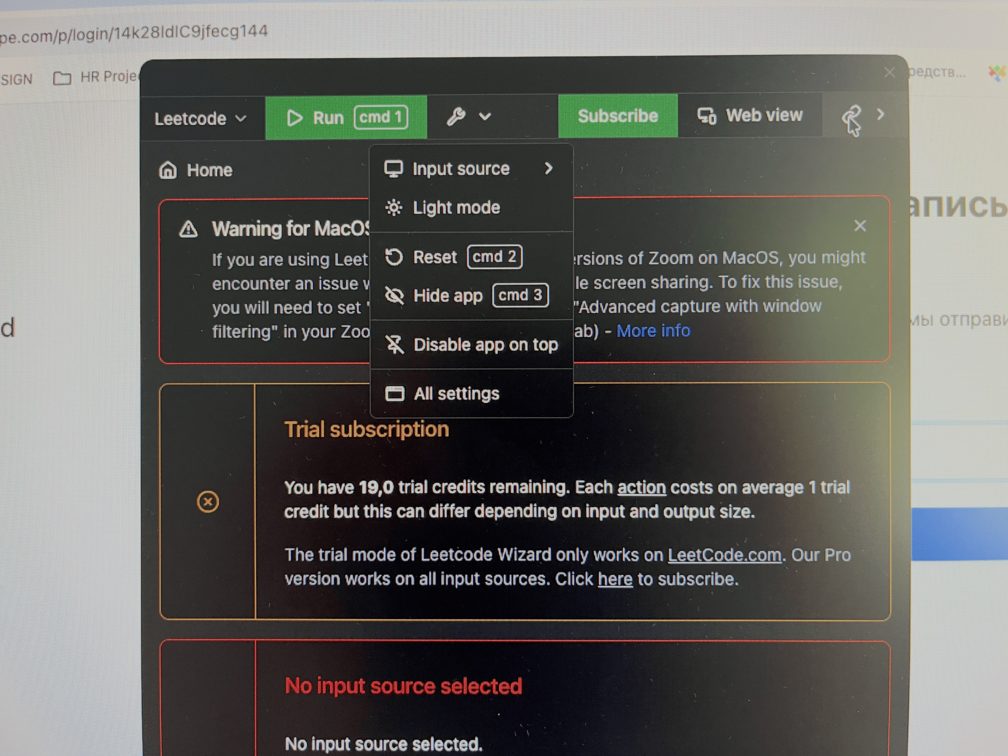
Registration is only available when downloading the solution, in web mode https://app.leetcodewizard.io/auth/login you can only log in if you have an account and have set up a subscription. It is not possible to check the web solution mode on a test account. The authorization/registration form does not support Google Auth, login must be done using username and password. After registering in the app, the user is redirected to the first step – Select programming language, according to the instructions on the page https://leetcodewizard.io/#how-does-it-work The application does not remember your authorization and each time you will need to enter your account password, so make it not too complex, where to change it later we couldn't find. NB: It is not possible to take a screenshot of the application using standard OS methods, the application is indeed not present in screen screenshots and has a hidden mode.

How many sign-up steps are there, and is a card required immediately?

Step 3

Are newcomers guided, or dropped into an empty interface?

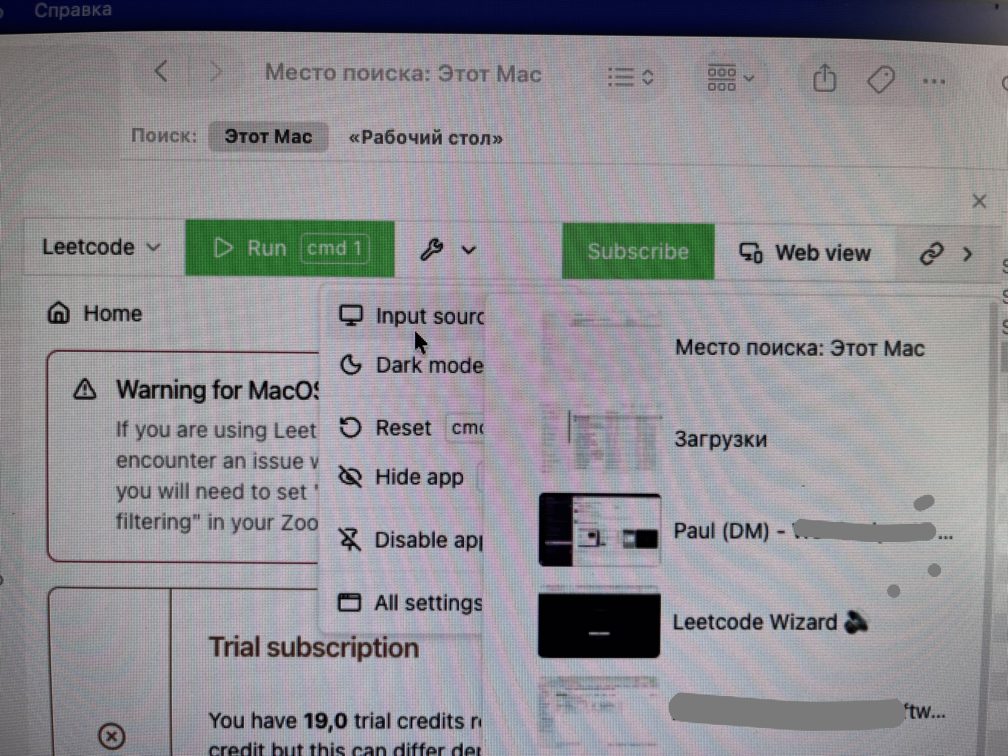
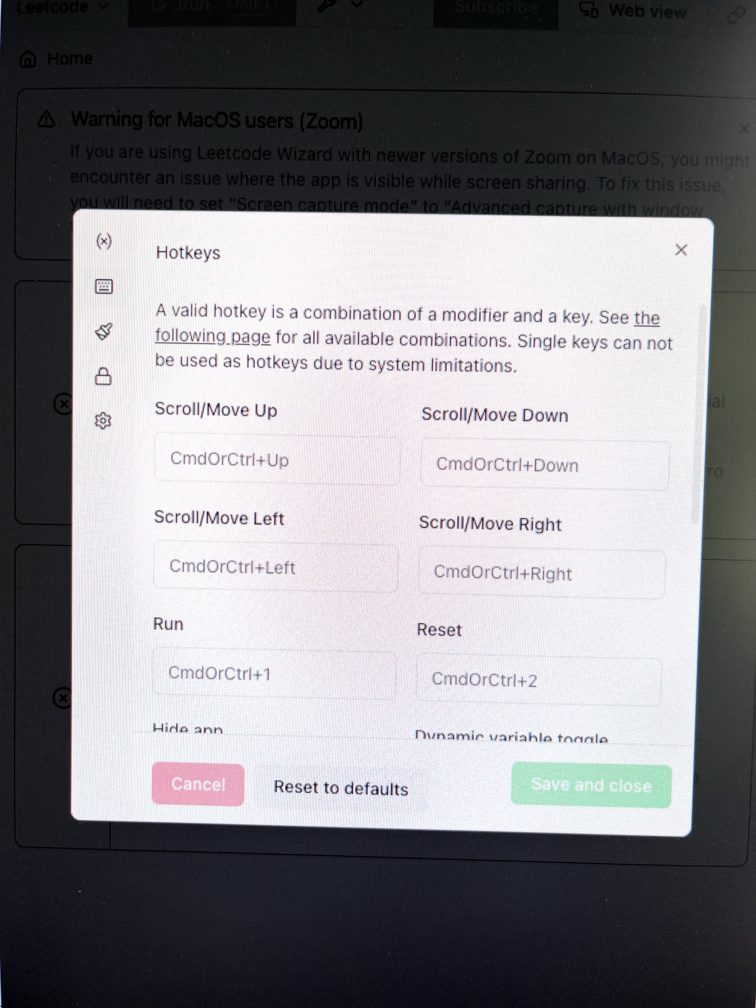
Onboarding is contained in a small instruction https://leetcodewizard.io/#how-does-it-work How it works. Besides, after installing and launching the application on your PC, you fill in the necessary data step by step, going through each step without the possibility of making a mistake. Even on the first pass through the form, everything is read quickly and the form is filled intuitively. The key question is the programming language, which then determines the quality of the generated answers from the Leetcode Wizard program. At the last step, you will need to provide the application with a data source, which is essentially a screenshot of a window/screen/monitor. You can also change or update the data source. Missed a small instruction on hot keys that the developer declares. This would have significantly simplified onboarding to the product and been a certain advantage for the user. In our case, when we pressed certain keyboard keys, we changed the window placement, but this was accidental and unexpected for us. To find out how to do other actions using hotkeys, you will need to search for this information in the application settings. The application actually has a fairly rich set of settings, so if you want to use the solution actively and comfortably, you can customize it to your needs, but to do this you will need to intuitively figure out one or another rule and setting.

Are newcomers guided, or dropped into an empty interface?

Step 4

How long from “Get started” to the first useful result?

We received the first value in just over 8 minutes. This is because we first needed to decide which version of the application to use, how to configure it, and go through registration and onboarding. We tested the solution in PHP programming language, the first time we managed to get system recommendations for solving the task without the task. Essentially we had an open Laravel search controller code in front of us and Leetcode suggested 3 options to process/rework this code with different business implementation scenarios. For passing an interview, this might be enough, but what to do if you are asked questions during a split-coding interview – we couldn't figure that out on the first try. The only thing we saw was the ability to configure your prompt for program analysis/operation. By default Leetcode Wizard uses the default prompt, which you cannot view or change. The presence of a prompt was a discovery for us, it would be desirable to emphasize this during onboarding. Time: 8:32

Step 5

Does the product work on a different task beyond the demo case?

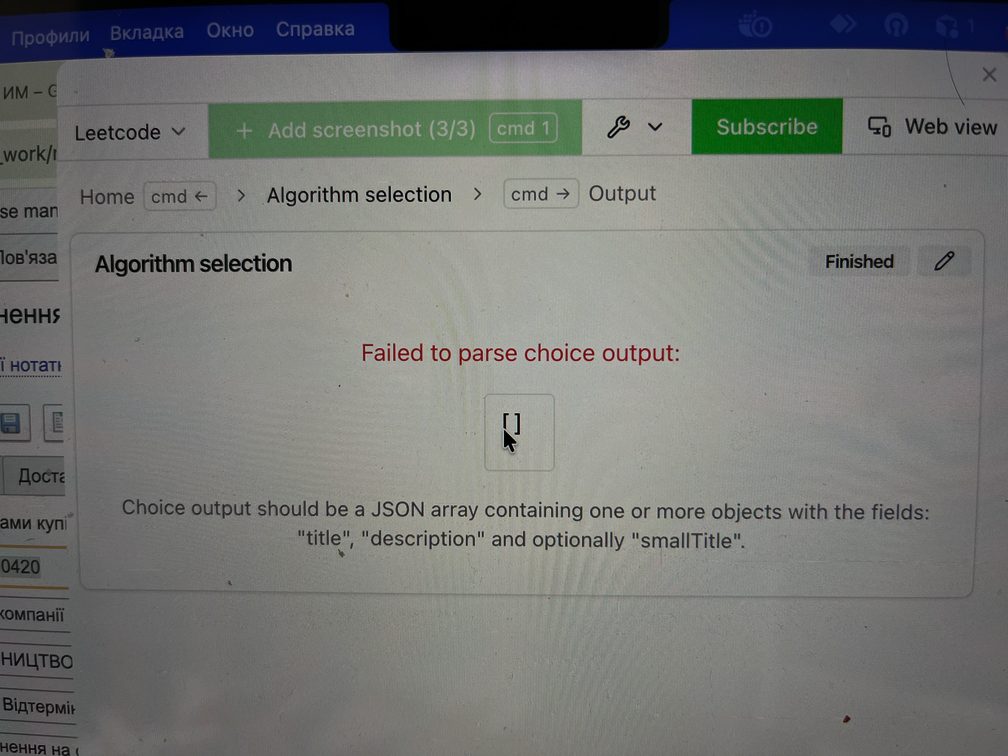
We failed to get the second value right away. This time we tried to transfer a Cursor window with an open php file to the application side, but for some reason the system gave an error, indicating that this image format/style is incorrect and gave an image parsing error when generating a hint. Step failed: Error parsing Cursor screen with open php file

Does the product work on a different task beyond the demo case?

Step 6

Where does the free plan end, and what breaks on unusual input?

The application gives you 20 attempts to generate hints. You will not be able to use the web version of the solution without signing up for a paid subscription. Overall we consider the number of test attempts sufficient for analysis and the ability to understand the value of the solution for you, and to test it in a conditional "commercial" mode. The application performs the target action without quality limitations.

Step 7

On the payment screen, is it clear what you are paying for?

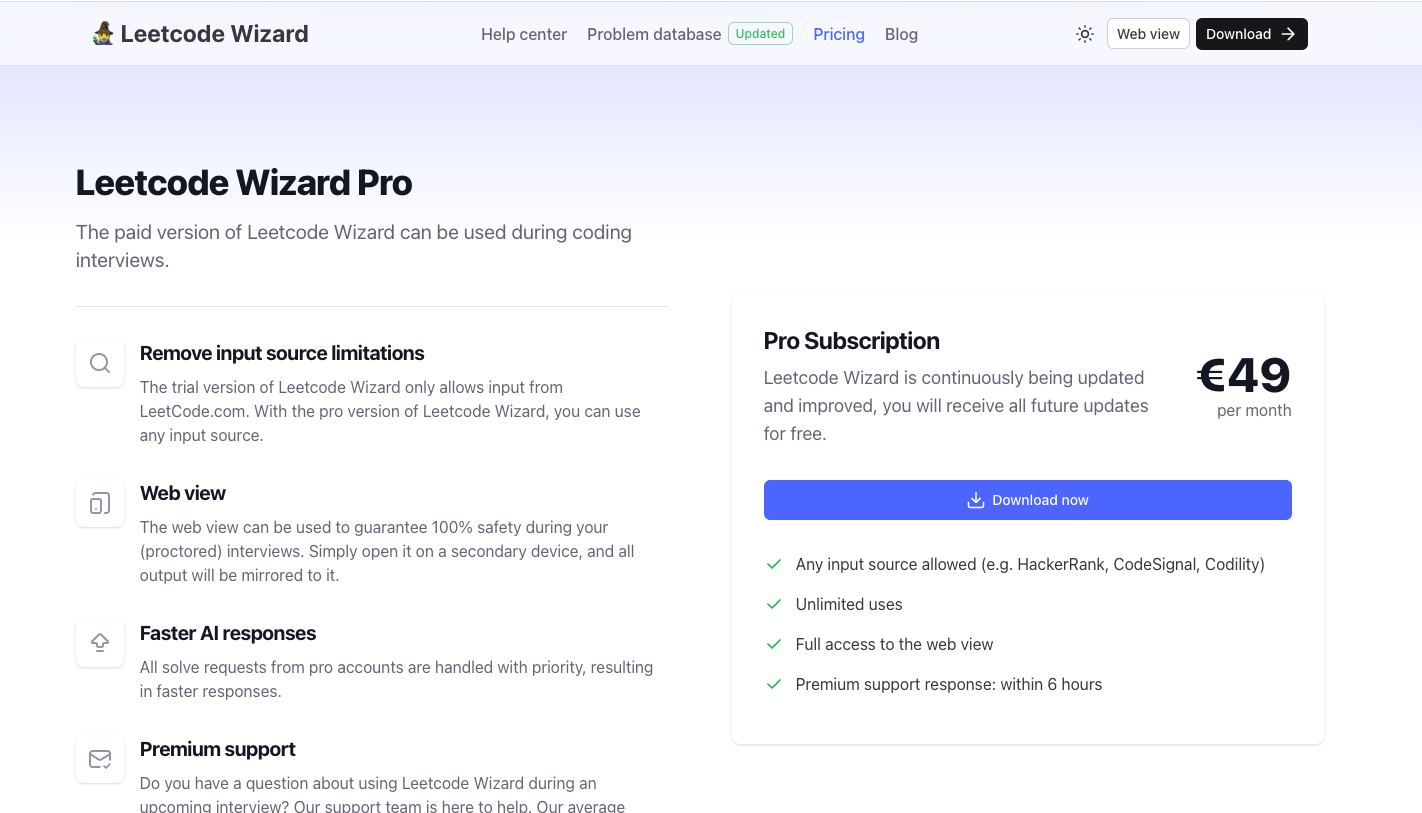
Everything about pricing is maximally simple, the Pro version costs €49 per month. Here you get an expanded number of image transmission sources, premium support, and unlimited queries. The page https://leetcodewizard.io/pricing is well-composed, information is read quickly and simply, payment occurs through sending a request to Stripe. But we were unable to get a payment link because we didn't understand where to register our email. Step failed: Did not receive payment link via Stripe

On the payment screen, is it clear what you are paying for?

Step 8

How do you unsubscribe, delete the account, and export your data?

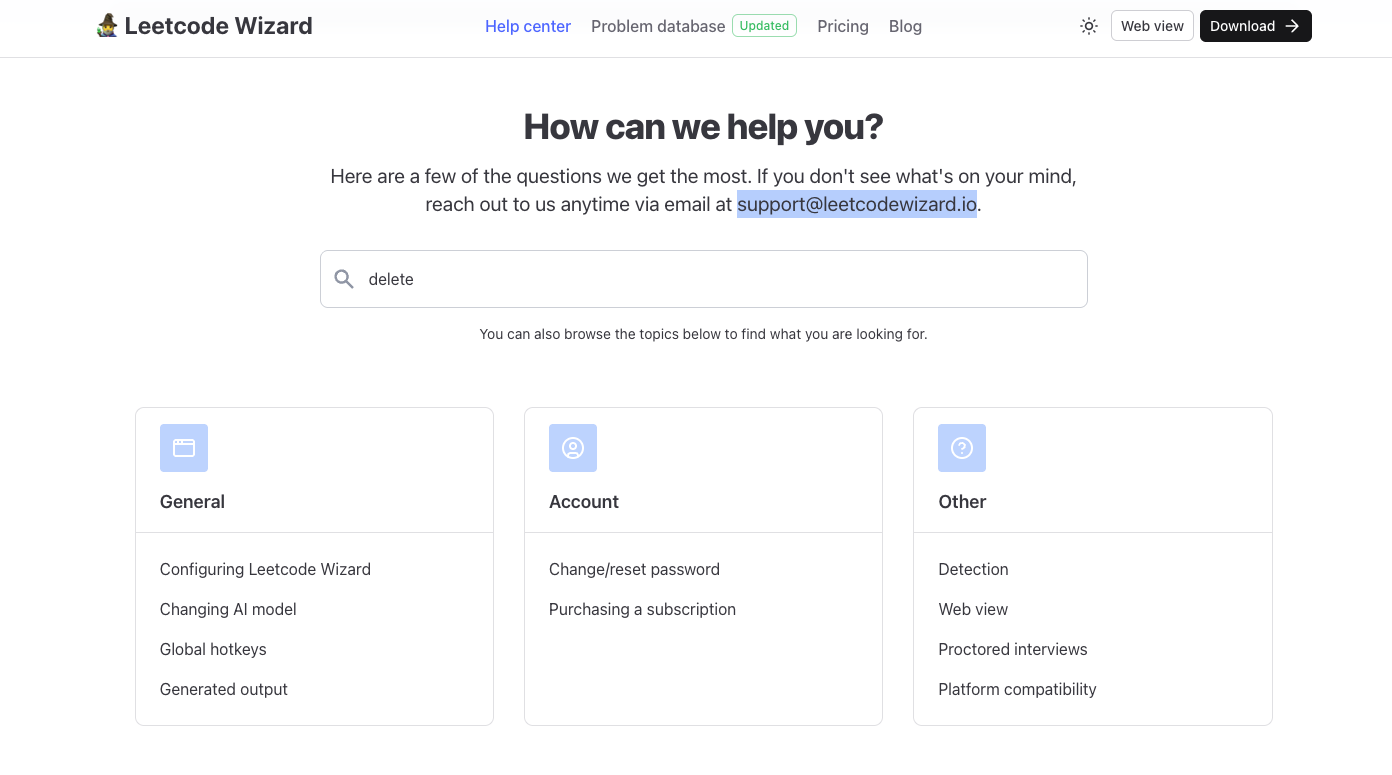
It is not possible to delete an account. The only thing you can do is contact support with such a request at support@leetcodewizard.io. We could not find this information in the Help Center.

How do you unsubscribe, delete the account, and export your data?

Three focus questions

Focus 1

How clear is the product onboarding?

There is no onboarding but the service has a simple interface and familiar user experience – just a single prompt form.

Focus 2

Is the pricing logical?

The project operates on two models: purchasing additional tokens when needed and subscription plans with the option of annual or monthly billing. The price is competitive and on basic plans looks maximally attractive because you get access to popular AI models essentially at the cost of a Pro plan of any of the models separately. Cost of 1 image $0.067-0.045, 1 video $0.67-0.45.

Focus 3

Does the product fit the stated audience?

Overall the project meets the stated audience. For professional digital content creators, there may not be enough automation elements due to API integrations.

Takeaways

01 What worked Simple single tariff, wide free usage limits. Clear positioning towards students and engineers.
02 What annoyed Quite difficult to figure out the settings, there is a problem with image parsing and the payment link doesn't arrive in Stripe.
03 Who it’s not for Those who want to rely entirely on an AI assistant.
04 Fix first Set up payment link sending!

← Back to the project page

What the grades mean

A+
A product you can recommend without caveats: the path works end to end and first value arrives fast.
A
A strong product. Small rough edges remain, but they do not break the experience.
A-
A solid product you can actually use. The issues are local, not structural.
B
It works, but with noticeable friction. The value is there, yet the path to it is long or confusing.
C
A mixed result: there is a seed of value, but important parts of the flow break or stall.
D
A weak state. In its current form the product is hard to recommend.