nopetnoget

← Back to the project card

Createimg review: what we found in testing

Author: nopetnoget editors ·

Audit time 1 hour 59 minutes · Time to first value 1:12

Score after testing

Based on 1 test.

Read the review

Test scenario

Step 1

Is it clear in 10 seconds what the product does and who it’s for?

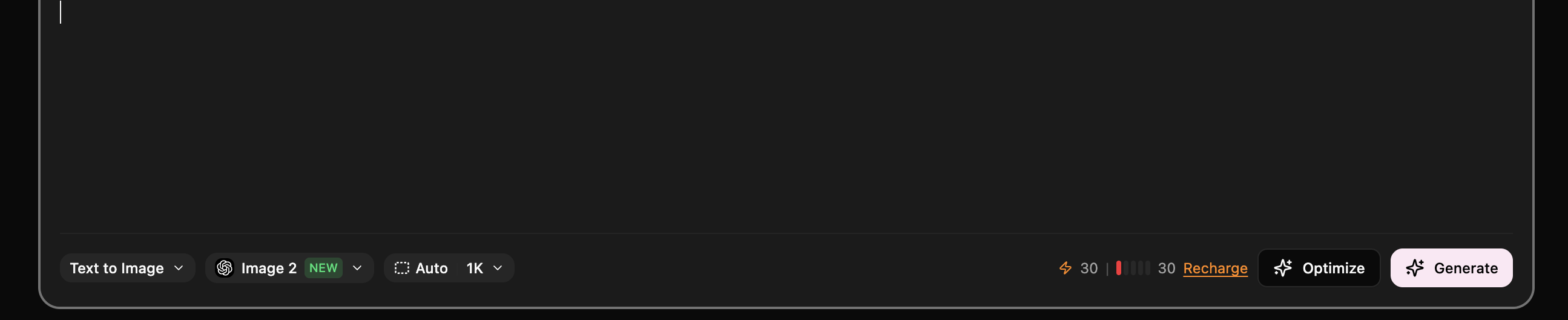
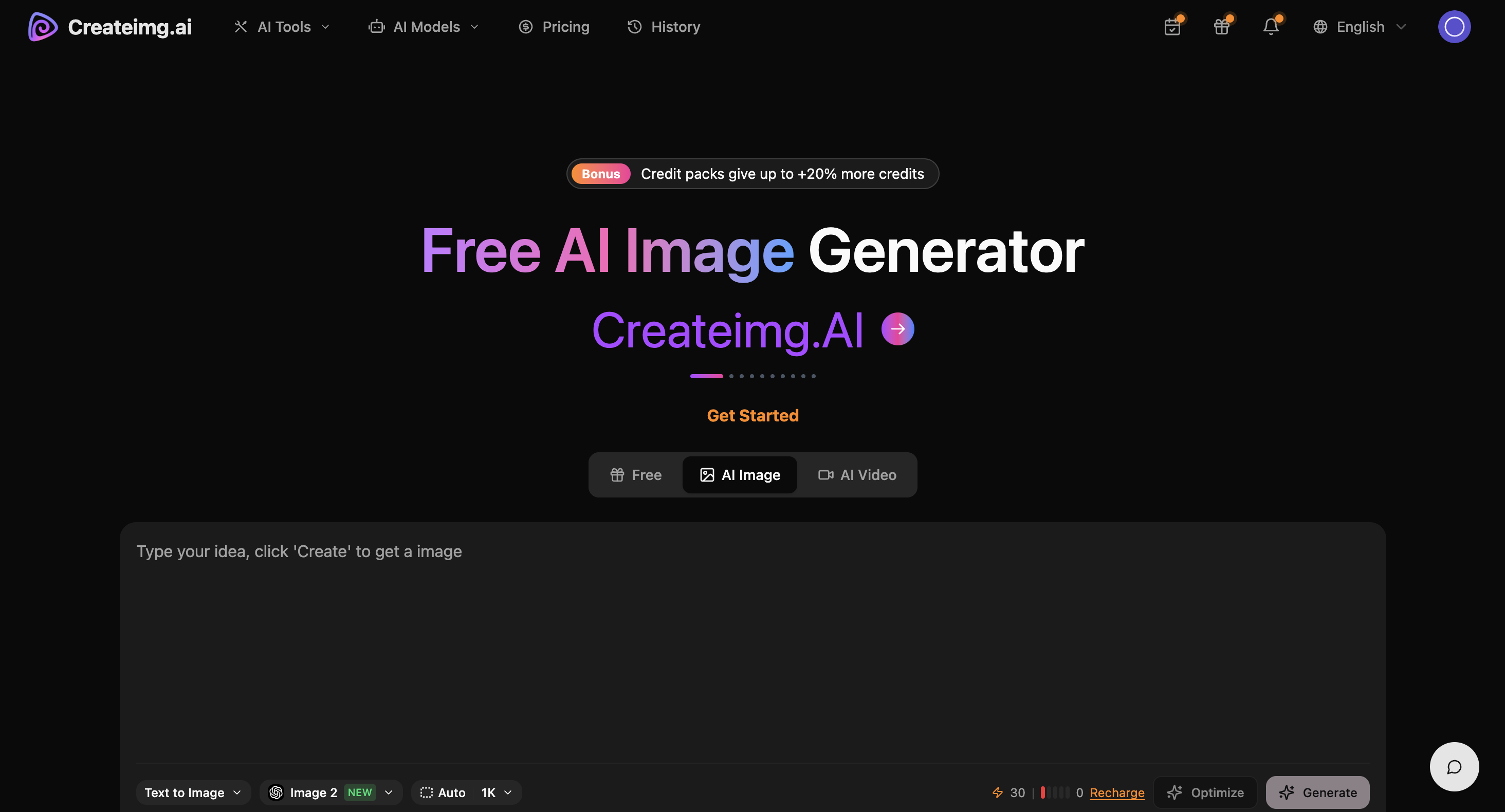
On the first screen, the visitor immediately understands what the project is about: an AI Image Generator that gives you the ability to generate images or videos with popular artificial intelligence models. You can quickly choose one of 7 AI models for image generation or 8 AI models for video generation. On the first screen you immediately have access to a text-to-image generation form, but to launch the generative process you need to register and authorize first. There is a minor issue: if you create a prompt for generation before authorization, after successful authorization you will need to write the prompt again – the form doesn't save your request and doesn't execute automatically after authorization. It's not entirely clear what functional load the block under the heading has, which could distract from the target action. It's recommended to make it non-interactive or fully expand the complete phrase.

Is it clear in 10 seconds what the product does and who it’s for?

Step 2

How many sign-up steps are there, and is a card required immediately?

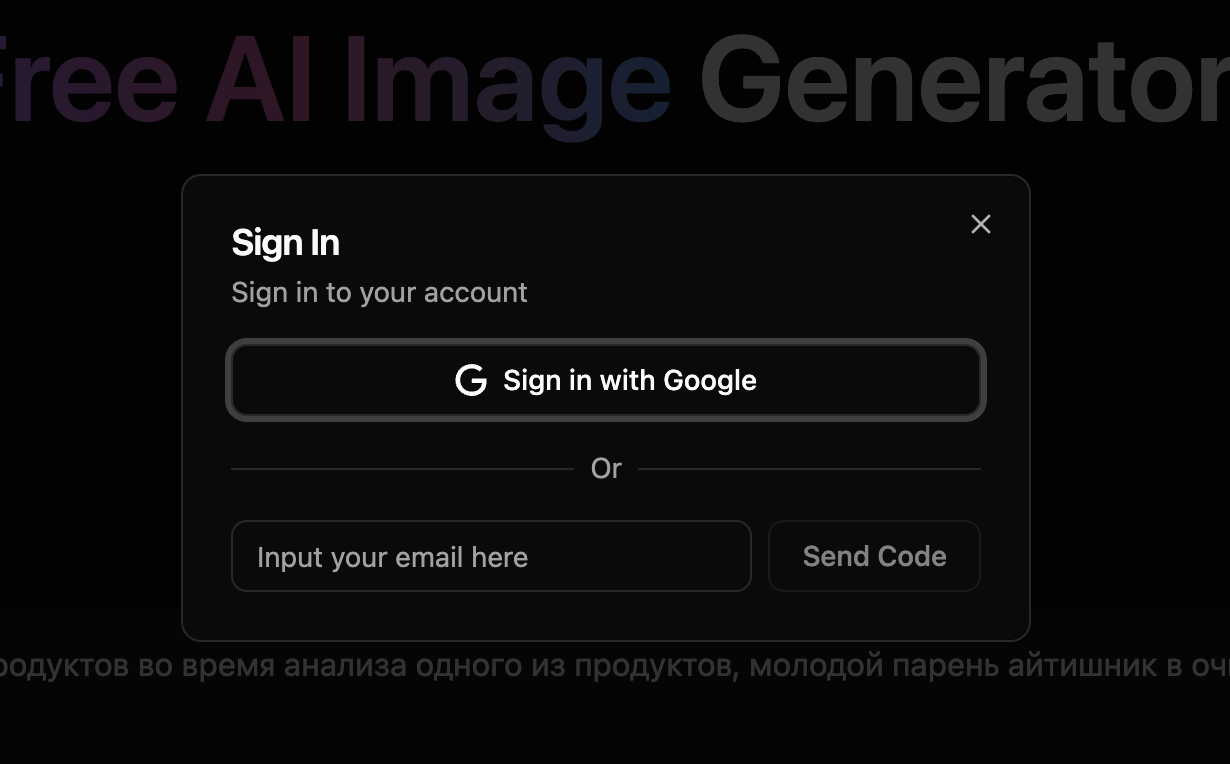
Registration is implemented through two scenarios: Google Auth provider and registration via email with a verification code sent to it. With Google registration everything happens predictably and quickly, but with email registration/authorization we received the email quickly but it went to the spam folder. The service expects confirmation (verification code entry) within only 60 seconds, and if you don't check the spam folder yourself and send another request, the spam situation may only worsen.

How many sign-up steps are there, and is a card required immediately?

Step 3

Are newcomers guided, or dropped into an empty interface?

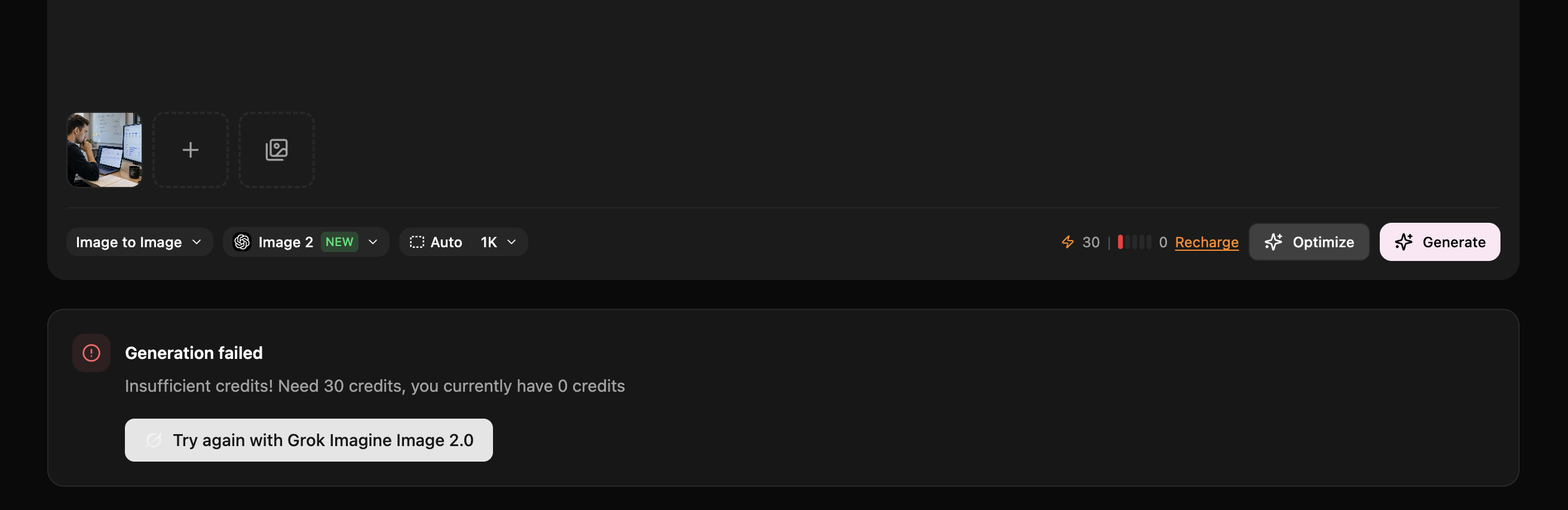
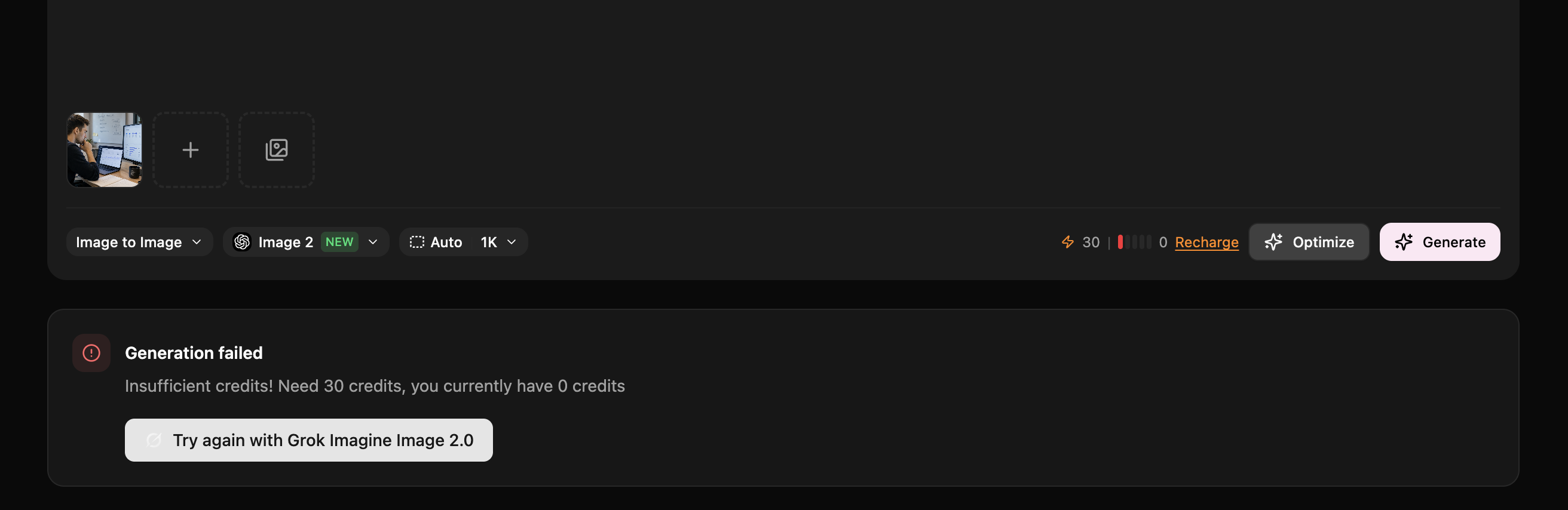
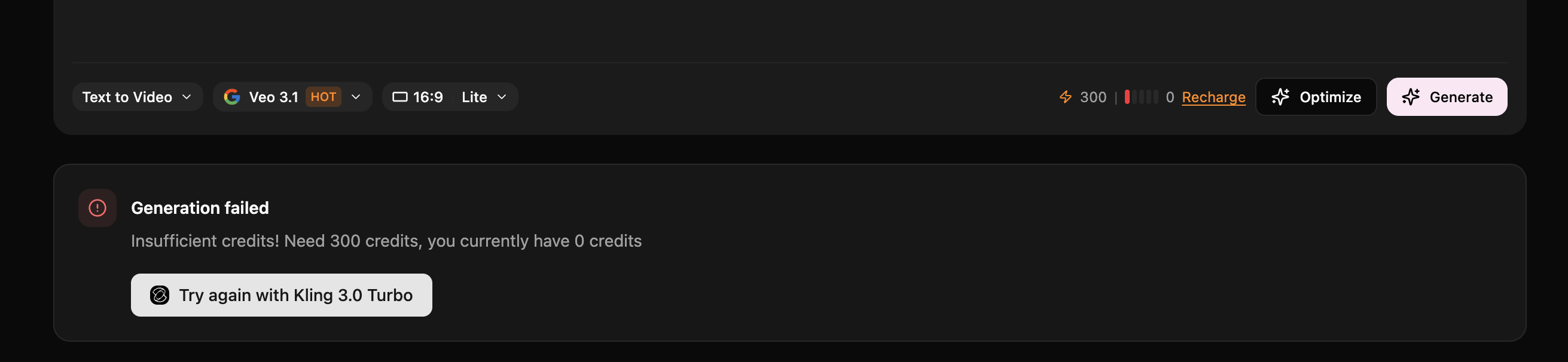
You won't have traditional onboarding – after authorization you'll stay on the home page and can send a request to generate either video or photo. The generation mechanics are familiar to many popular models and modern AI services, so there shouldn't be any questions about how Createimg.ai works at this point. You also have access to information about the cost (token amount) of generating content for each generation. Upon registration you're given only 30 tokens for one free generation attempt. We used this option with the GPT image model. If you generate images without tokens in your balance, the service will inform you and display an error. In reality, if you didn't figure out how to use the service at the start or made a mistake and rushed into generation, you won't be able to try the service again for free. You also won't be able to try video generation because a single request on the popular Veo 3.1 will cost you 300 tokens.

Are newcomers guided, or dropped into an empty interface?

Step 4

How long from “Get started” to the first useful result?

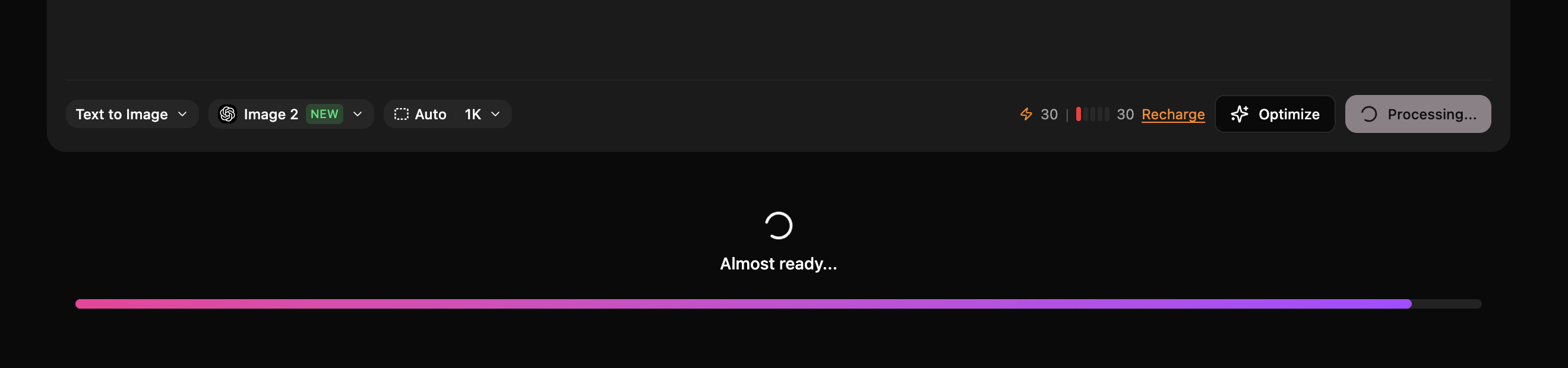
To get your first value you need to authorize. We used the text-to-image generation tool. We got the first value in just over a minute. With a similar request directly to GPT image, the time was the same. Generation quality directly depends on your prompt and the generation model you choose in each case. We didn't notice any additional prompt customizations – when we tried generation directly through GPT image we got an image with the same level of detail and composition, which indicates that your prompt is passed directly via API to the model side. Time: 1:12

How long from “Get started” to the first useful result?

Step 5

Does the product work on a different task beyond the demo case?

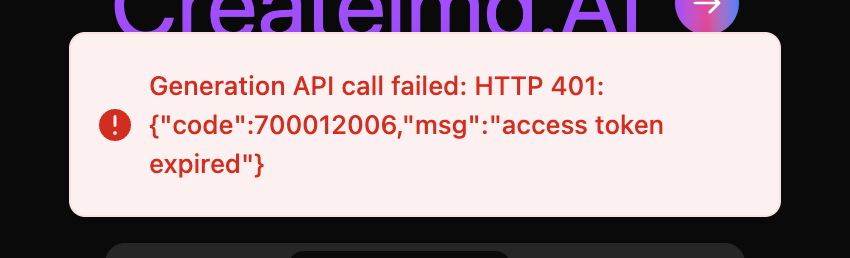
We failed to get "second value". The reason: insufficient tokens for generation. The service has very significant limitations for the free plan. Sometimes the service displays a technical message that is difficult for a regular user to interpret. Step failed: Need to select a paid plan.

Does the product work on a different task beyond the demo case?

Step 6

Where does the free plan end, and what breaks on unusual input?

The service gives you only 30 free tokens for generation. This is enough for one image generation attempt. We were unable to test the service's video generation on the free plan.

Where does the free plan end, and what breaks on unusual input?

Step 7

On the payment screen, is it clear what you are paying for?

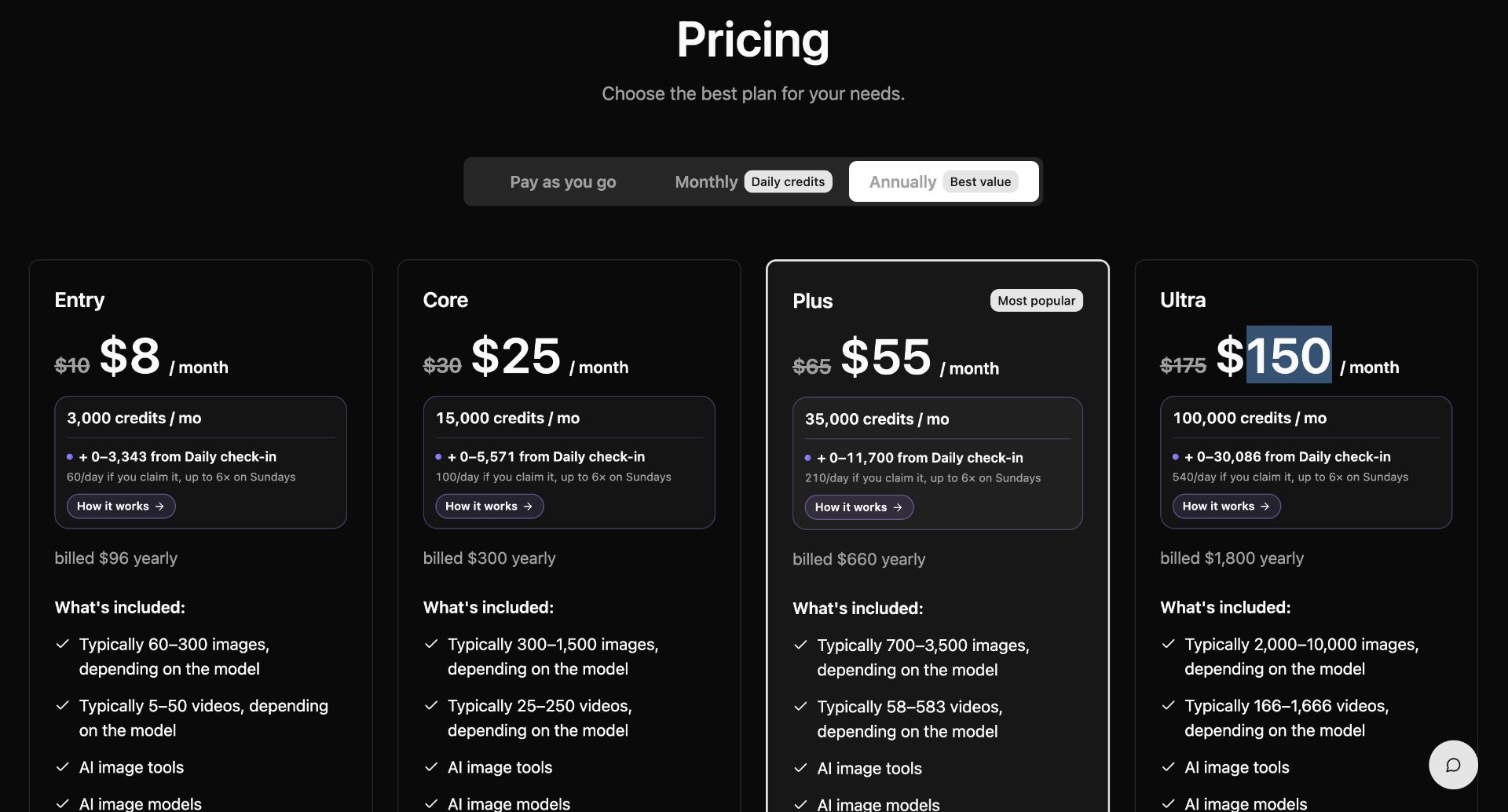
Service users have the option to choose one of four plans with either monthly payments or annual commitments. In addition, users can purchase tokens for generation without subscribing through the Pay as you go program. The minimum cost of the basic plan is $8 per month with an annual commitment. The same plan with monthly billing will cost $9, and when buying tokens without a subscription $10 for 4500 tokens (roughly 150 generations). Thus your basic cost per image generation is $0.067 per unit, and at the maximum plan the cost drops to $0.045 per unit. The plan descriptions are quite extensive and users will need to analyze all the conditions first to choose the most relevant plan for themselves. One of the key features: the basic plan at $8-9 doesn't allow you to use generated images on a commercial basis, which is a significant limitation and disappointment for us. It's not immediately clear the logic for earning bonuses on daily login through the Daily check-in program, but the project team announces additional bonuses of 80+ daily with active project use. The ChatGPT plan will cost you €23, while the first "commercial" plan with access to one of 7 AI models will cost $25-27.5 per month. This looks competitively attractive if you need access to many AI models without having to pay for a separate subscription for each.

On the payment screen, is it clear what you are paying for?

Step 8

How do you unsubscribe, delete the account, and export your data?

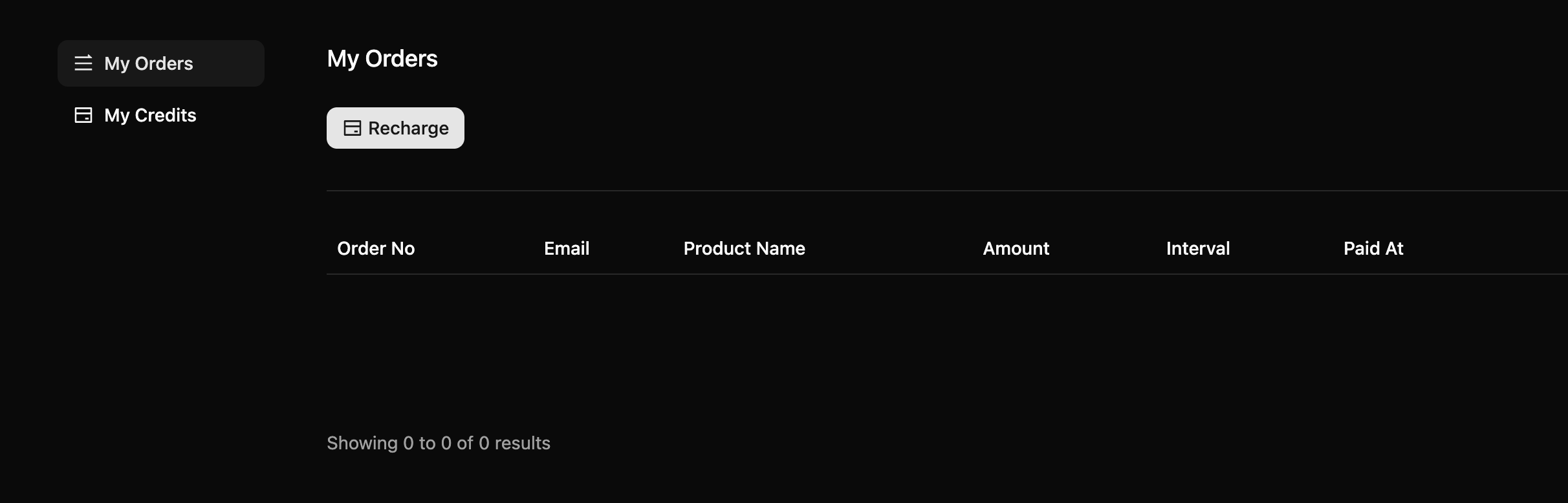
You won't be able to delete your account – you simply won't get such an option. From the client account features you only have the ability to view information about your payments and token deductions/accruals.

How do you unsubscribe, delete the account, and export your data?

Three focus questions

Focus 1

How clear is the product onboarding?

There is no onboarding but the service has a simple interface and familiar user experience – just a single prompt form.

How clear is the product onboarding?

Focus 2

Is the pricing logical?

The project operates on two models: purchasing additional tokens when needed and subscription plans with the option of annual or monthly payments. The pricing is competitive and looks maximally attractive at the basic plan level because you get access to popular AI models essentially at the cost of a Pro plan for any single model separately. Cost per image 0.067-0.045$, per video 0.67-0.45$.

Focus 3

Does the product fit the stated audience?

Overall the project matches the stated audience. For professional digital content creators, there may not be enough automation elements through API integrations.

Does the product fit the stated audience?

Takeaways

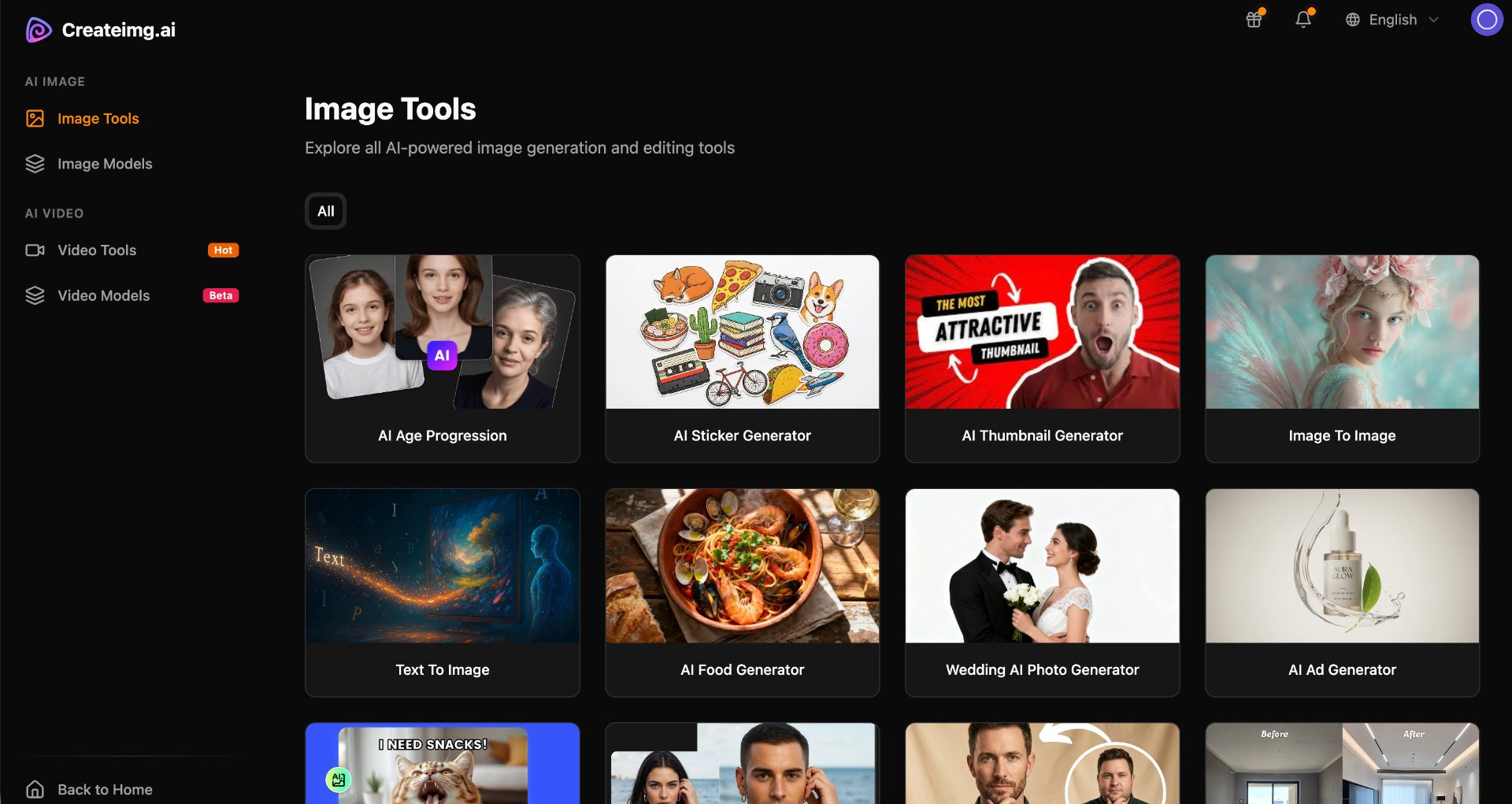
01 What worked A large number of niche tools for working with images. "Clean" access to AI models without additional prompt customizations. Speed and quality of image generation.
02 What annoyed No way to test the service for free. Essentially you only get 1 attempt and that doesn't even cover video generation. The verification code email went to spam.
03 Who it’s not for The project is not suitable for free image or video generation. There is no API for bulk generation and integration with your own services.
04 Fix first Provide more generation capabilities on the free plan and make minor changes to the client account interface. Set up the mail server and change the email authorization logic so emails don't end up in spam.

← Back to the project page

What the grades mean

A+
A product you can recommend without caveats: the path works end to end and first value arrives fast.
A
A strong product. Small rough edges remain, but they do not break the experience.
A-
A solid product you can actually use. The issues are local, not structural.
B
It works, but with noticeable friction. The value is there, yet the path to it is long or confusing.
C
A mixed result: there is a seed of value, but important parts of the flow break or stall.
D
A weak state. In its current form the product is hard to recommend.